We move your menu for free — from any POS
No need to re-enter your dishes. Export a file from your current system and send it to us — we load categories, items, prices, modifiers and photos ourselves.
- Free with any plan
- From any POS that can export its items list
- Keep your old register running until you are sure everything is in place
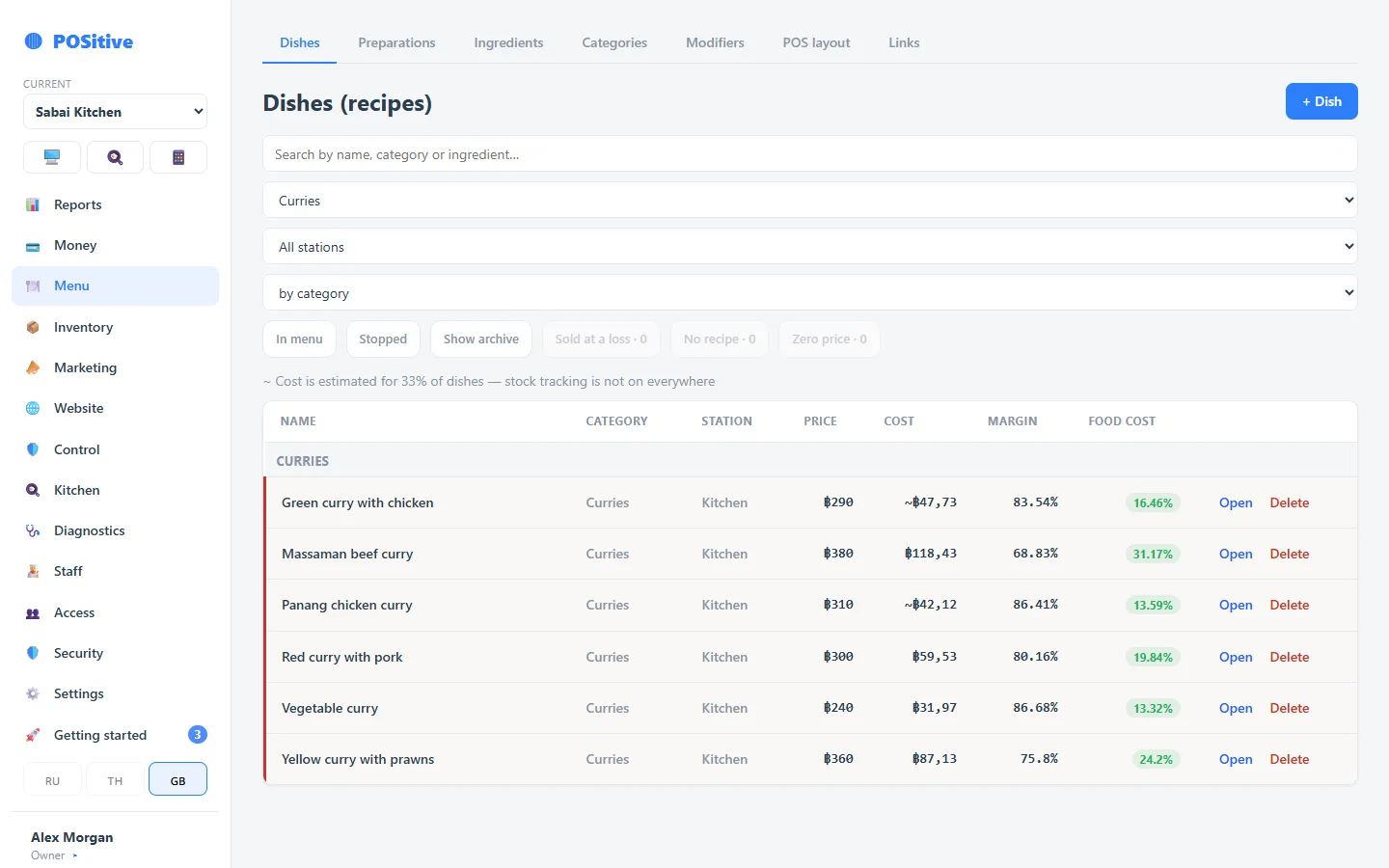
How the switch works
- 1
Export a file from your old POS
In your current back office, open the items (menu) list and press “Export” or “Download”. You usually get a CSV or Excel file with all items, categories and prices. If modifiers or ingredients export separately, send those too.
- 2
Send it to us
On Telegram or to [email protected]. Can’t find the export button? Tell us which system you use and we’ll point you to it.
- 3
We load your menu
In bulk, not by hand: categories, items with prices, modifiers and photos if the file has them. Portion sizes that were priced modifiers in the old system become item variants — each gets its own food cost.
- 4
You check it on the register
Open the register and look through the menu. Anything off — we fix it.
- 5
One shift side by side
Run your first shift in both systems and compare the totals. When they match, switch over completely.
What we move and what you set up fresh
Moved from your file
Categories, items, prices, modifiers, photos, and the ingredient list if you kept one in the old system.
Set up fresh
Recipes (worth rebuilding so you can trust food cost), opening stock — with a first stock count, staff with PINs, printers and the receipt layout. We help with these too.
Questions about switching
How much does the migration cost?
Nothing. Menu migration comes with onboarding on any plan.
Which systems can I switch from?
Any system that can export its items list to a file — CSV, Excel or similar. Almost every POS can: the button is usually called “Export” or “Download” in the items section.
What if there is no export?
Send whatever you have: a PDF menu, a price list or photos of the menu. We’ll move it anyway, it just takes longer.
Is sales history moved?
No. Past reports stay in the old system — export them before you cancel it if you need them. In POSitive, records start with your first shift.
Do I have to close the old register right away?
No. Keep it until you have run a shift in POSitive and compared the totals. And export everything you need while the old account is still active.
Send the file — we’ll get started
While we move your menu, look around the demo and create an account: 14 days free, no card needed.