POS, inventory and delivery in one system
Every sale deducts ingredients by recipe, so stock levels and food cost are always up to date. Website orders reach the kitchen without retyping, and the owner sees revenue in a phone app.
- Register, inventory, delivery and reports share one database — no reconciling data between programs
- Runs on an ordinary Android tablet and in a browser
- If the internet drops, the register keeps selling and printing receipts
One minute of an ordinary shift
A screen recording of the real register in a demo restaurant: adding to a table, the kitchen ticket, payment, a website order, a recipe and the shift cash. The chapters under the video jump straight to each part.
Which venues it fits
POSitive was built for venues with their own kitchen: prep, semi-finished products, delivery and staff who speak different languages.
A workstation for waiters and cashiers
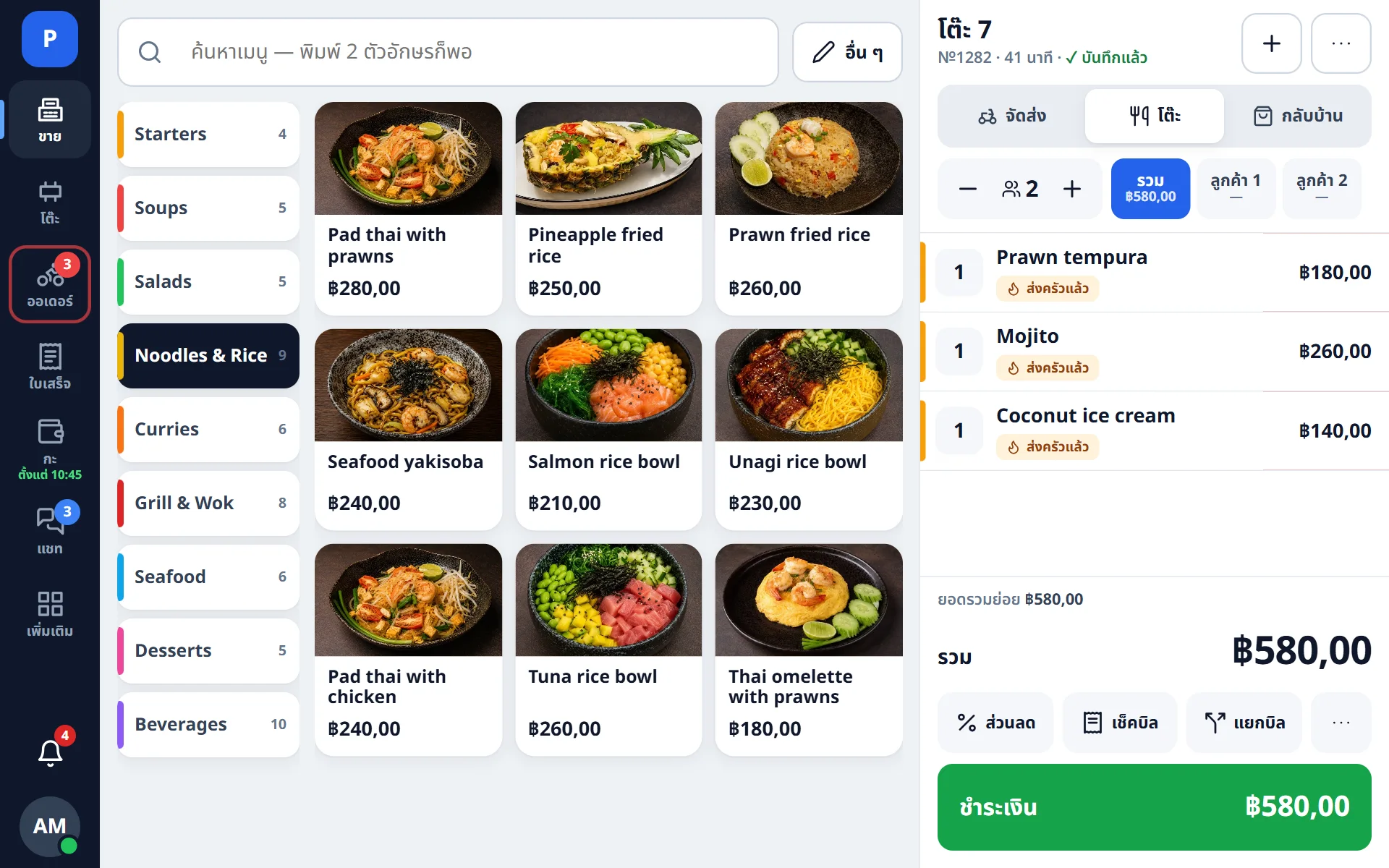
Dine-in, takeaway and delivery in one app. The order is saved automatically with every change, so there is nothing to save by hand.
- Floor plan, moving guests between tables, split bills
- Modifiers with a price and a recipe: “double cheese” raises the price and deducts the cheese from stock
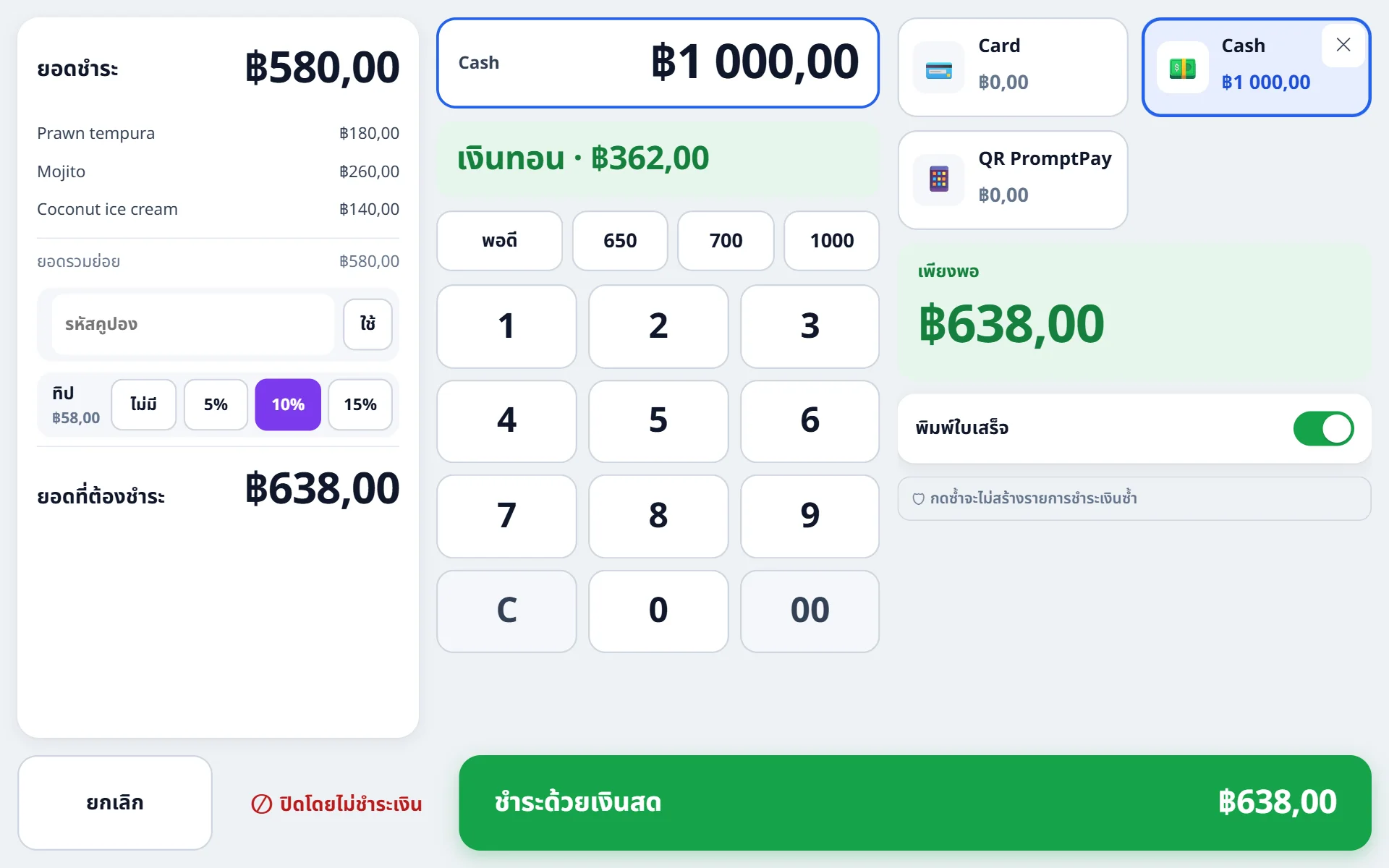
- Mixed payment, tips, change, refunds of a whole receipt or single portions
- Required choices such as noodles, doneness or size are asked for by the register, and the dish is not added without them
Every device in its own language
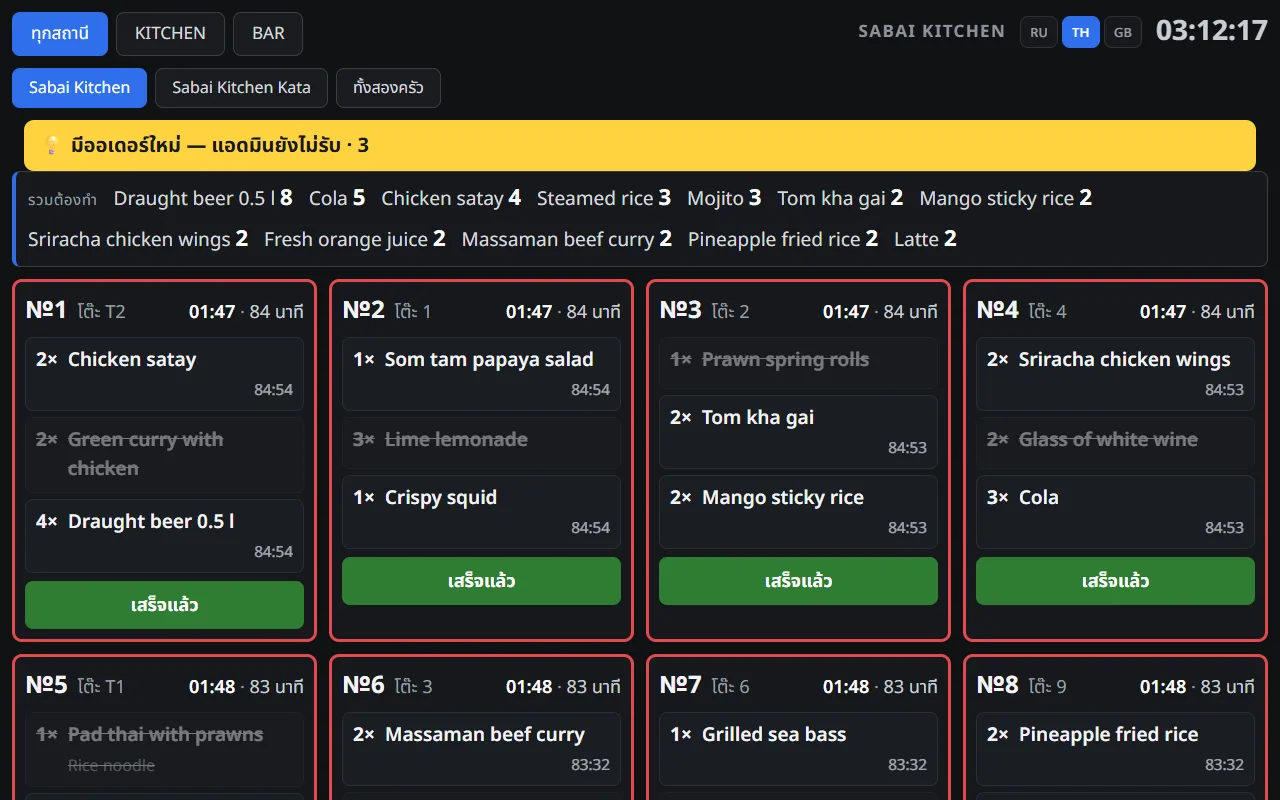
Russian, Thai and English are switched on the device itself — with a flag on the sign-in screen, in the staff menu or on the kitchen display. The register can run in Russian, the kitchen display in Thai and the manager’s back office in English, at the same time and independently of each other. A Thai cook, a Russian-speaking manager and a waiter who prefers English work in one system, and each sees it in a language they understand.
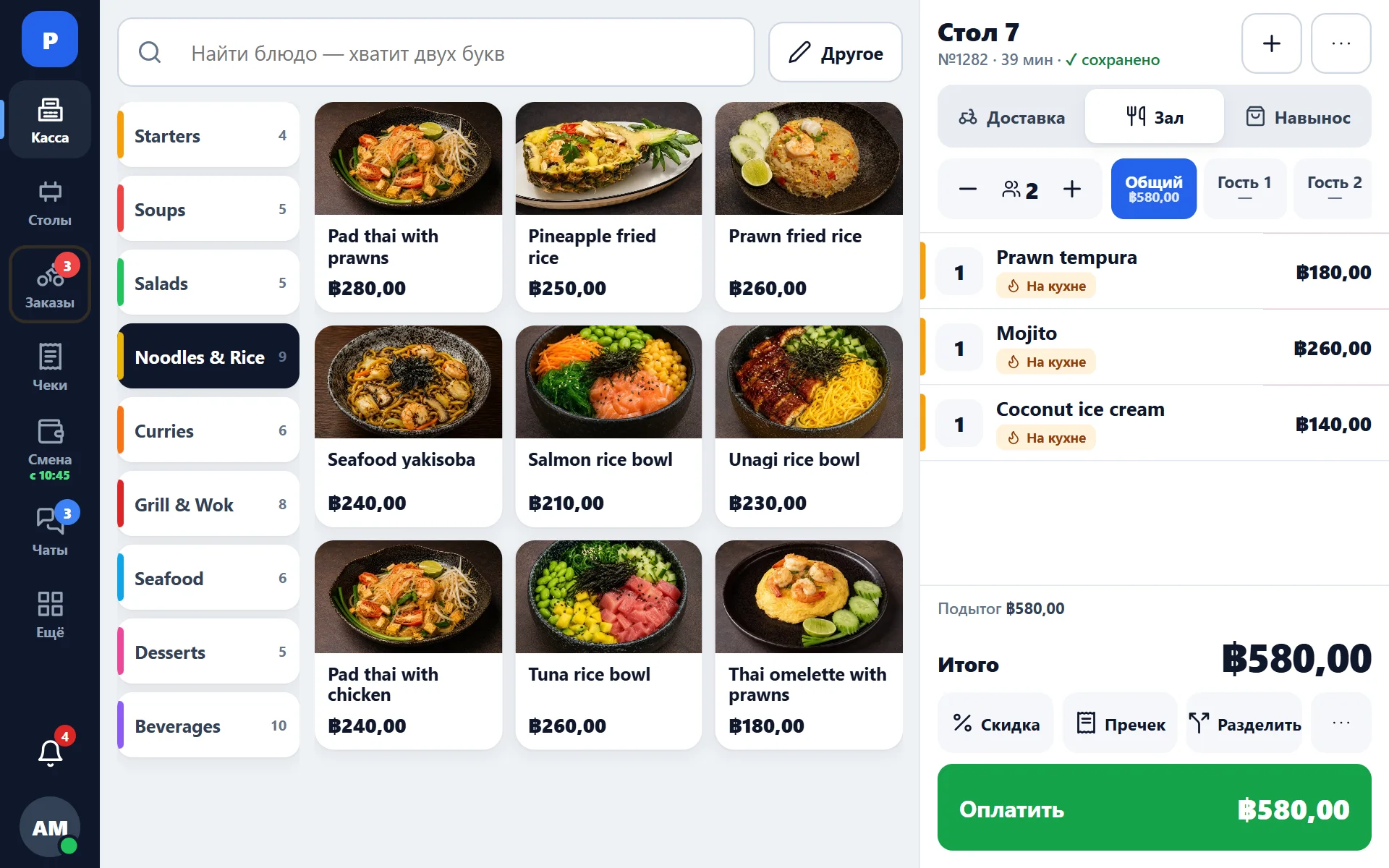
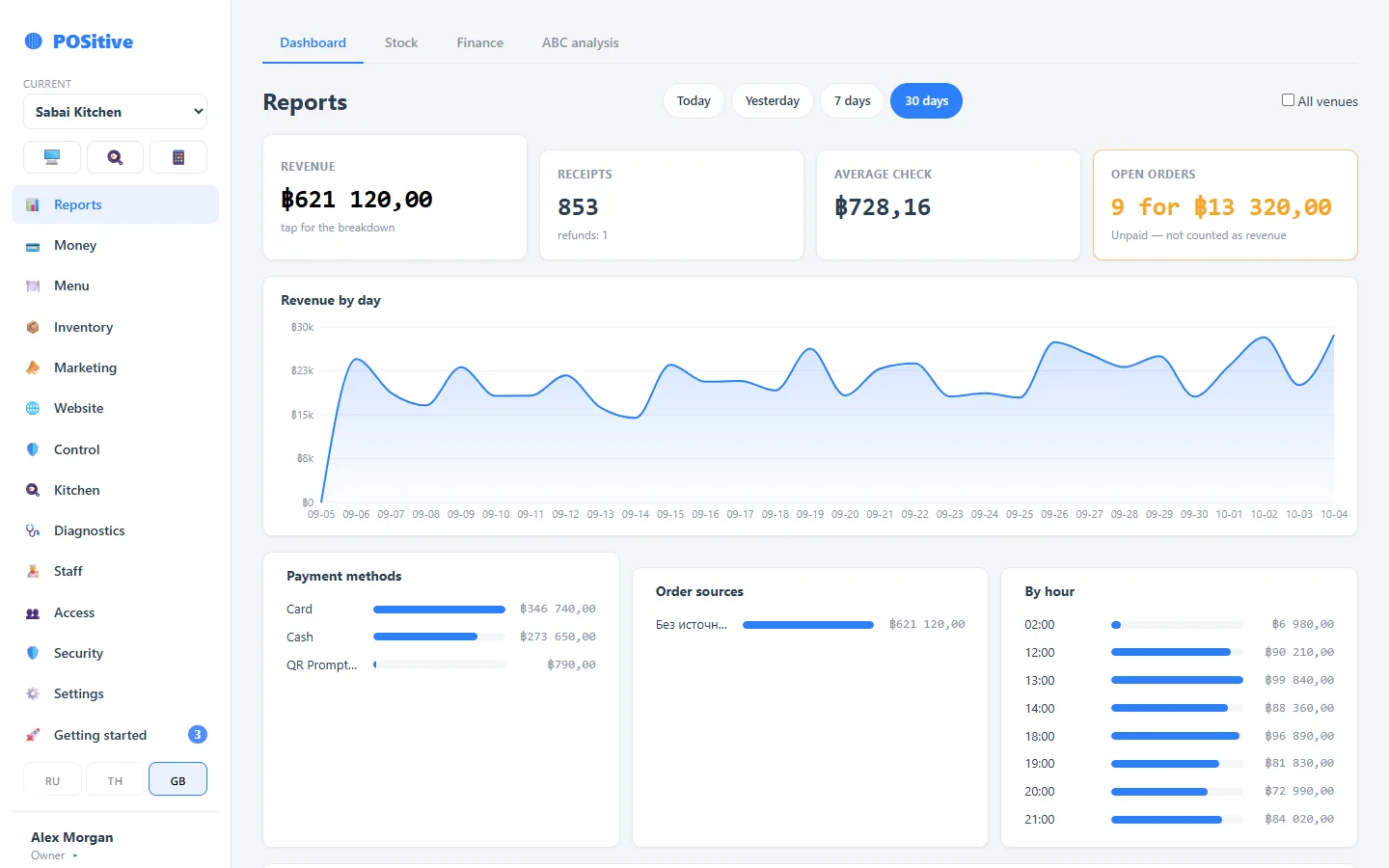
- The language applies only to the device where it was chosen: the tablet next to it keeps its own
- Switching takes one tap, with no restart and no trip to the settings
- The back office and the Plus app remember each person’s language: a manager sees their language on any computer or phone
- Guest receipts and kitchen tickets print in their own languages, regardless of the screen language
Every sale deducts ingredients by recipe
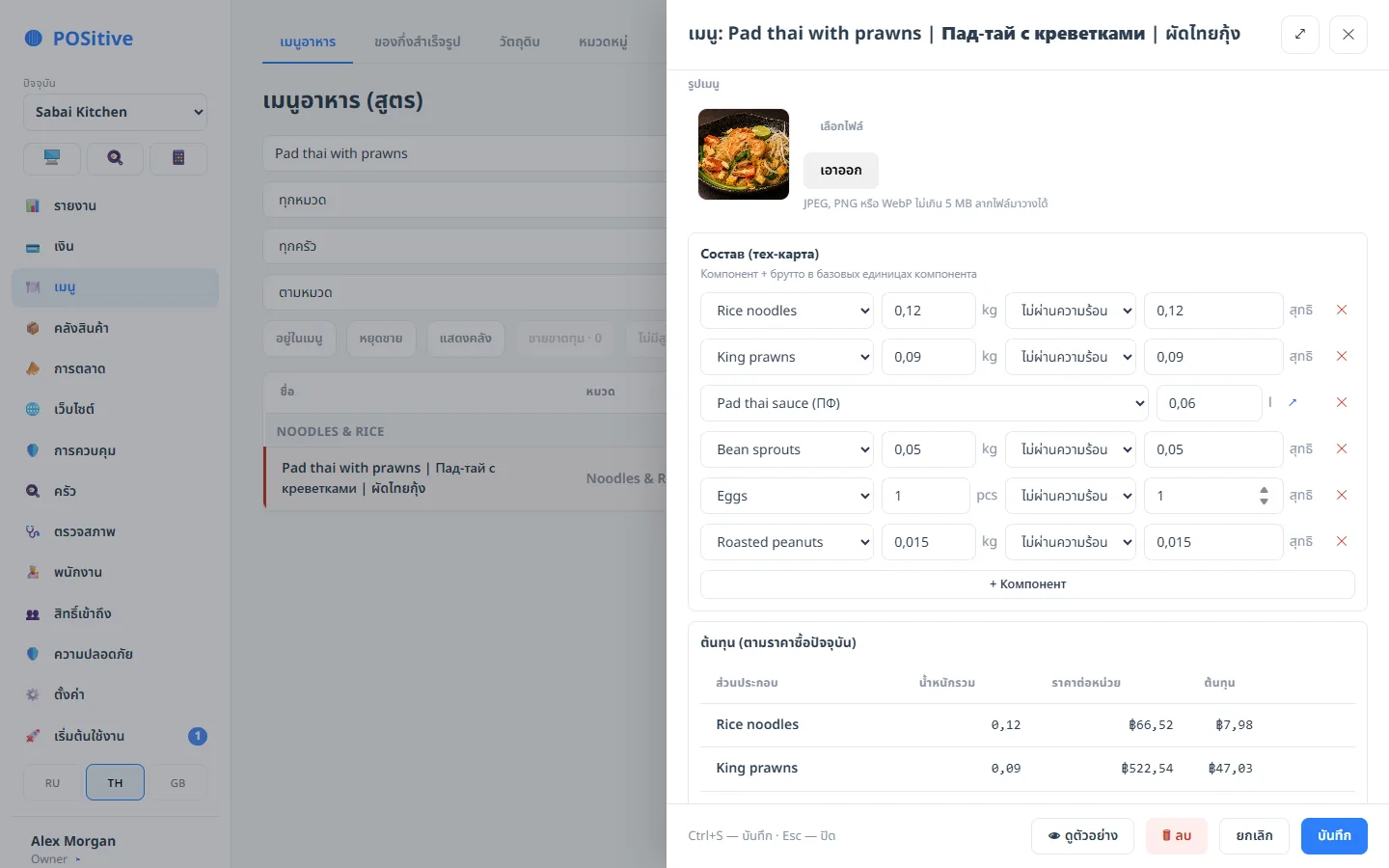
Recipes account for gross and net weight, prep items and processing losses. Cost is calculated from the weighted average price of your deliveries, so a dish’s food cost reflects what you actually paid.
- Food cost and margin per dish and per variant; loss-making items are highlighted
- Goods receipts, write-offs, transfers between venues, full and partial stocktakes
- Photograph a supplier invoice and the system reads the lines
- Roll inventory out gradually: tracking is switched on product by product
Website orders arrive straight at the register
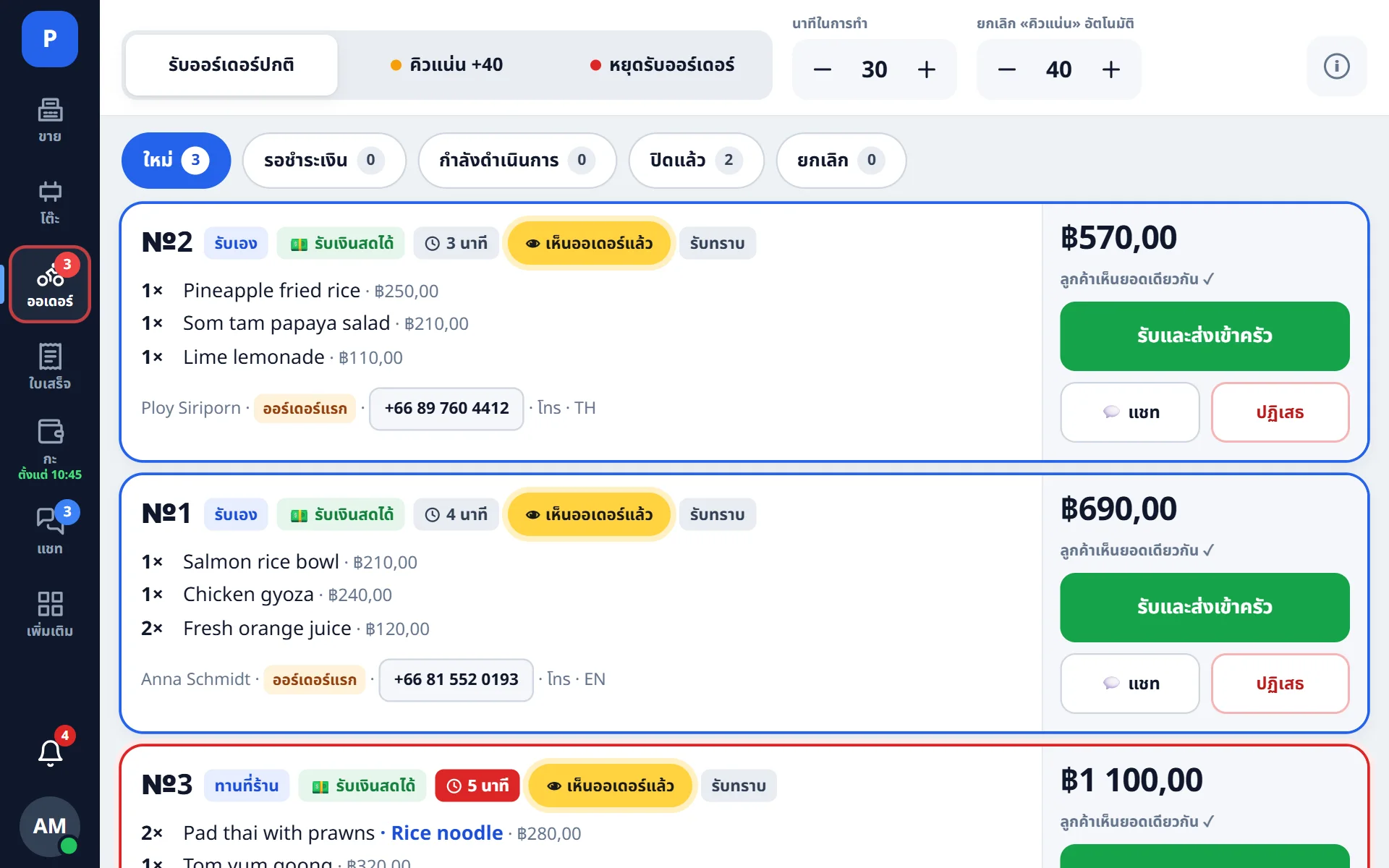
The website shows the menu with the current stop-list. A new order arrives at the register with a sound, the manager confirms the cooking time, and the kitchen gets its ticket.
- A signal lamp lights up if an order is not accepted within 15 seconds and stays on until it is, so the order is noticed even when the manager is away
- Items from an external source are matched to the menu once
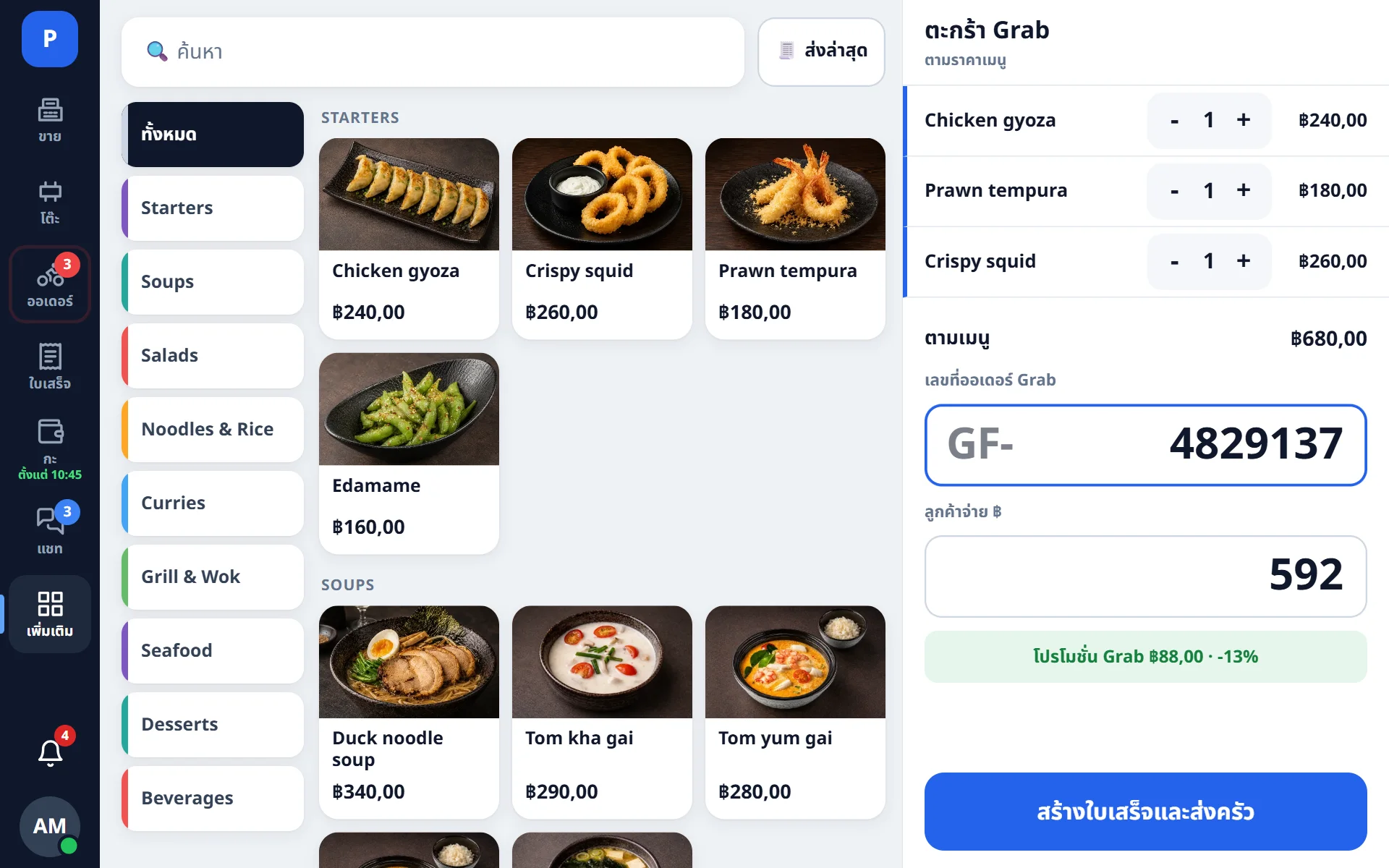
- Delivery as a separate line: what the courier received and what the venue paid on top
- Chat with the guest from the register, translated into their language
What else is included
The Plus app
Revenue, average check, receipts, shifts, stop-list and chats for every venue — in the owner’s phone.
อ่านเพิ่มเติม →Kitchen display
The order queue on the cook’s tablet: waiting time for each order and readiness per item. Paper tickets keep printing as before.
อ่านเพิ่มเติม →Reports and analytics
Sales by day, source, employee and dish, menu ABC analysis and profit net of cost of goods.
อ่านเพิ่มเติม →Control
The history of every receipt: voids, manual prices and discounts with the employee’s name and time. Log entries cannot be changed afterwards.
อ่านเพิ่มเติม →Money
Accounts, income and expenses, cash shifts, an interim X report and a Z report at shift close, printed on the receipt printer.
อ่านเพิ่มเติม →Printing and hardware
ESC/POS receipt and kitchen printers over Wi-Fi, per-station printing, cash drawer, 58 and 80 mm paper.
อ่านเพิ่มเติม →How a website order is processed
From checkout on the website to the stock deduction, nothing is retyped by hand.
- 1
The guest places an order
On the venue’s website, with the current menu and stop-list.
- 2
The register accepts it
The tablet plays a sound, and if the order is not accepted within 15 seconds a signal lamp lights up. The manager confirms the cooking time.
- 3
The kitchen gets the ticket
Tickets print per station automatically, and the cook sees the order on the kitchen display.
- 4
The order is paid
Payment, change, tips and delivery as a separate line. Pressing “Pay” twice does not create a second receipt.
- 5
Ingredients are deducted
By recipe, with the cost at the moment of sale. The order appears in reports right away.
Connect your website, payments and delivery through the API
POSitive has a documented public API: a website receives the menu and submits orders, a payment provider reports payments, a delivery service receives courier requests. A key is issued for one venue and can be revoked at any time.
- Orders from the venue’s own website
- Aggregators: the order is entered at the register, then the kitchen and stock treat it as a regular order
- Delivery: the fee as a separate line and settlement with the courier — how it works
- Test access for website and storefront developers
Built in working restaurants
POSitive is developed inside restaurants in Phuket and has been used there every day since July 2026. Its features came from real shifts: a discount that did not apply, a button pressed twice, a receipt that did not print. New features are switched on in our own venues first and reach customers only after they have been tested there.
Reliability and control
The safeguards that protect a venue’s revenue and data.
Protection against double payment
Pressing “Pay” again does not take a second payment: every operation has its own identifier. A sale made offline is not duplicated when the connection returns.
One table, one receipt
If two registers work with the same table at the same time, the system will not create a second receipt or deduct stock twice.
Unchangeable history
Posted documents are never edited: mistakes are corrected with a reversal. Actions on a receipt are recorded in a log protected by checksums.
Exact amounts
Money is stored in whole satang and rounded only for display, so errors do not accumulate.
Automatic updates
New versions of the register load automatically, with no reinstalling. A database backup is taken before every change.
Works without internet
If the connection drops, the register keeps taking orders and printing receipts. Sales are sent to the server once the connection is back.
Frequently asked questions
What hardware does it need?
The register runs on an Android tablet (installed as an app) and in a browser on a computer. It works with ESC/POS receipt and kitchen printers connected over Wi-Fi with 58 or 80 mm paper; the cash drawer connects through the printer. See Printing and hardware.
What happens if the internet goes down?
The register keeps working: orders are taken, receipts print and payments go through. When the connection returns, sales are sent to the server automatically and without duplicates, even if the cashier pressed “Pay” several times.
Can we move our menu from another system?
Yes. We move dishes, categories and prices from your previous POS system. Recipes and stock balances are set up separately, and we help with bulk transfer.
Is inventory tracking required?
No. Tracking is switched on for each product separately: you can start with the bar and add the kitchen later. Untracked products create no stock movements and are left out of stocktakes.
How many venues can one account have?
As many as you need: the subscription is paid per venue, and the set of modules is shared by the account. There is one login, reports for each venue and for the whole group, and an employee can have different roles in different venues.
Which languages does the register support?
The interface is available in Russian, English and Thai. The language is switched on the device itself, and each device keeps its own: the register can be in Russian while the kitchen display is in Thai. The back office remembers each person’s language. Guest receipts and kitchen tickets print in the languages set for the venue, and dish names are stored in all three languages.
Try POSitive in your venue
Open the demo to see the system on the example of a restaurant and a café, or sign up: 14 days free, no card required. All you need to start is a browser.