Website orders without retyping
The guest places an order on the website, the manager accepts it on a tablet, the kitchen gets its ticket, and after payment the ingredients are deducted from stock. Nothing has to be re-entered by hand.
- Public API: the website receives the current menu and stop-list
- A sound on the tablet and a signal lamp if an order is not accepted within 15 seconds
- Chat with the guest from the register, translated into their language
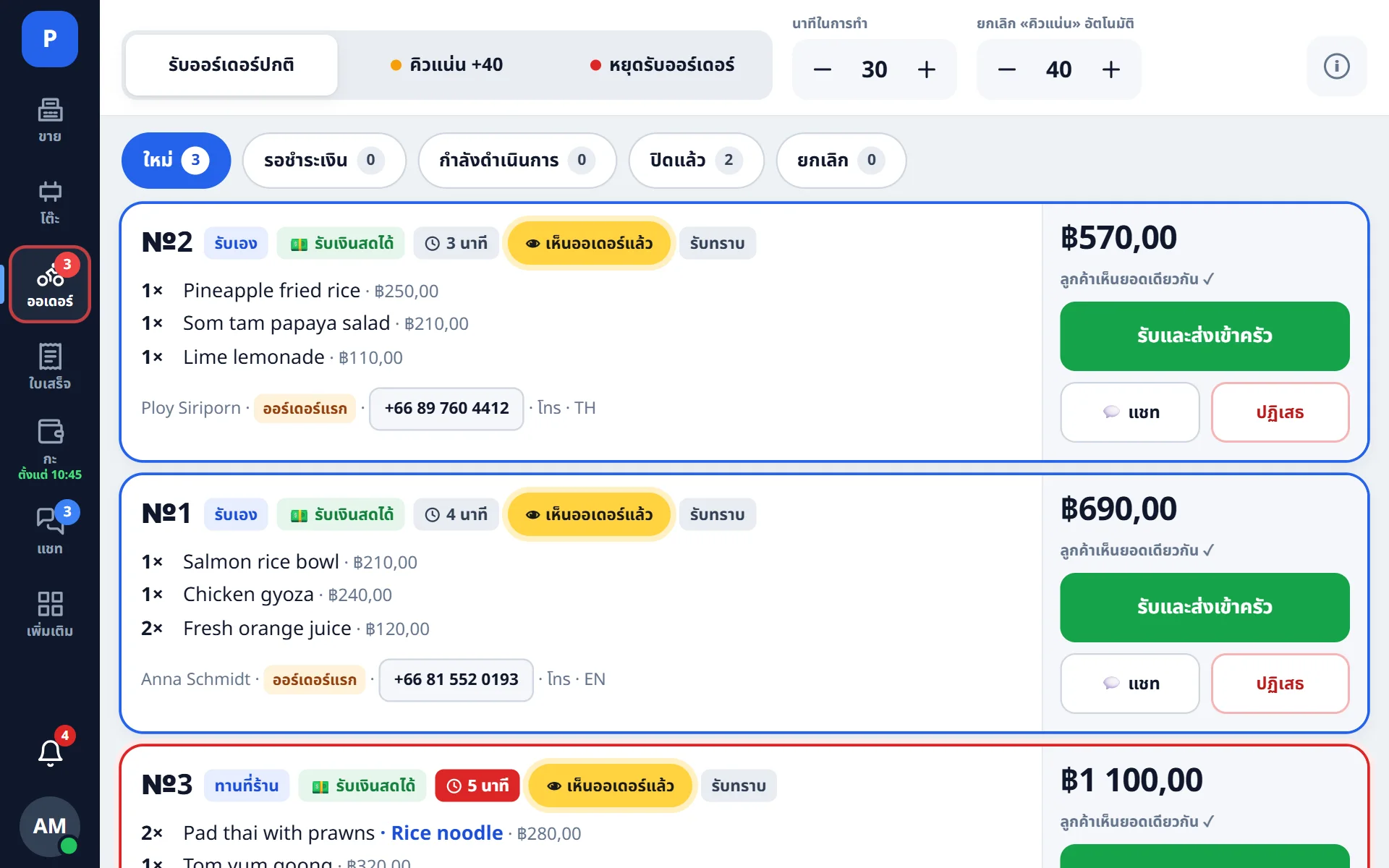
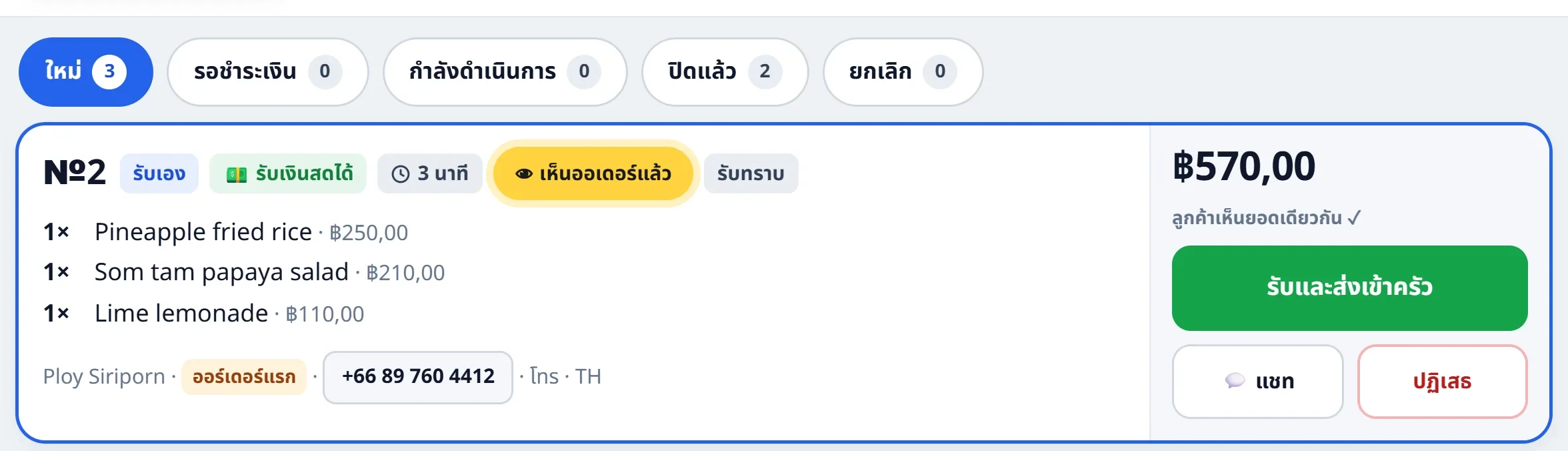
New orders are noticed even when the manager is away from the tablet
In a busy room the tablet’s sound is easy to miss, and the manager is not at the register all evening. If a website order is not accepted within 15 seconds, a signal lamp lights up where it can be seen from the floor, the kitchen and the pick-up area. It stays on until the order is accepted or someone presses “Seen it” on its card.
- Only a person’s action turns it off: a tablet that is simply on with the orders open does not
- The delay before the signal is adjustable, 15 seconds by default
- A second lamp in the kitchen flashes briefly when an order arrives and when it is sent to be cooked
- An ordinary Smart Life Wi-Fi relay and a beacon lamp; if the lamp loses connection, the register works as usual
What the order panel does
New orders are noticed at once
The signal repeats until the card is opened, and the panel button shows a counter. For a loud room you can upload your own sound.
Accept with a cooking time
The manager confirms the order and sets the time. The guest sees the status on their side: accepted, cooking, handed to courier.
Item matching
A website item is linked to a register dish once. After that, order lines, modifiers included, are matched automatically.
You can see what delivery cost and who paid for it
Delivery is a separate line on the receipt: what the guest was charged, what the courier was paid, and how much the venue topped up. Across days and orders this adds up to a report.
- Own courier or a delivery service — in both cases the money is visible separately
- The difference between what the guest paid and what the courier received is kept out of revenue
- An order split across two venues is consolidated into one delivery
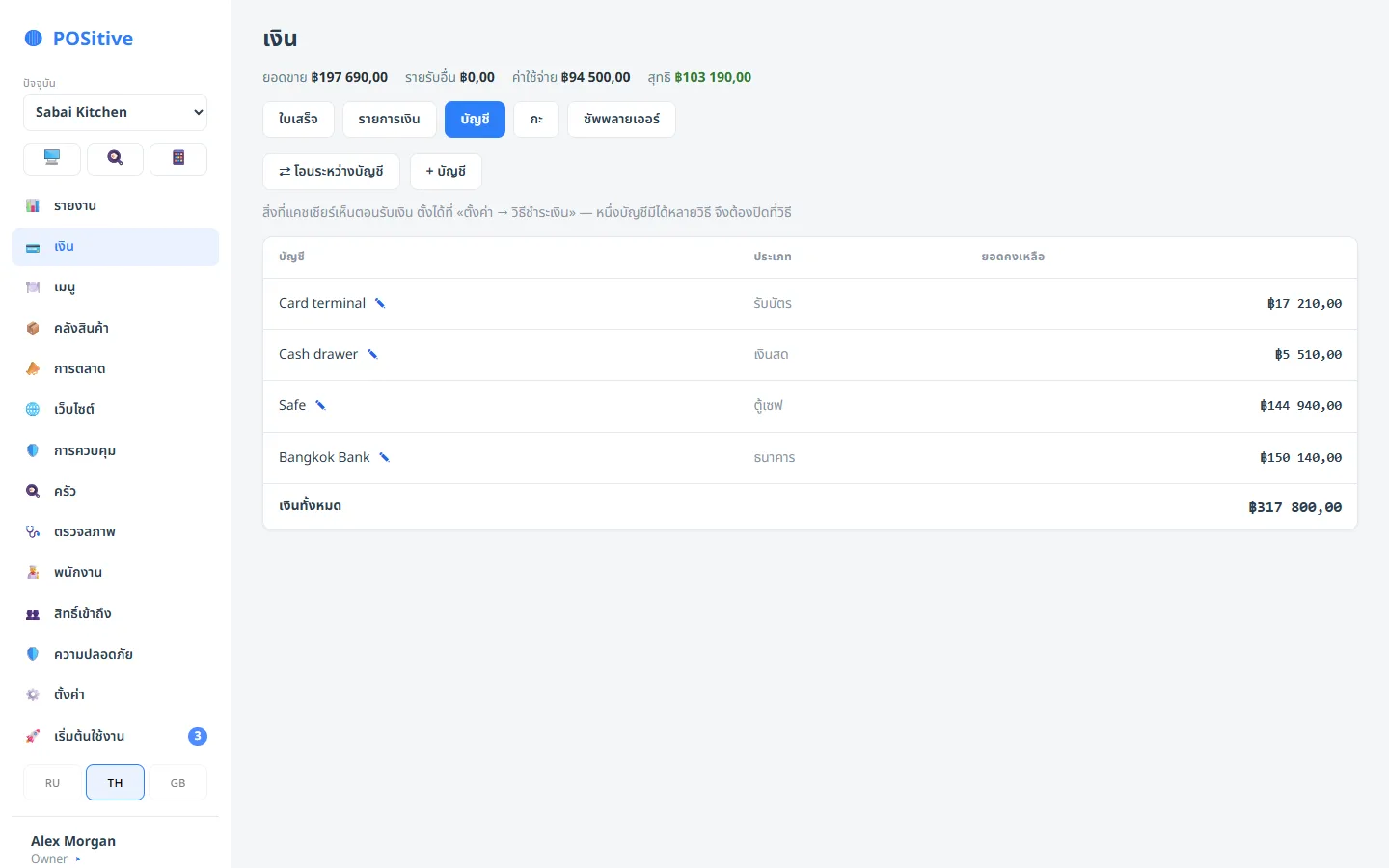
- Payments taken on the storefront are mapped to the venue’s payment method, so money lands on the right account
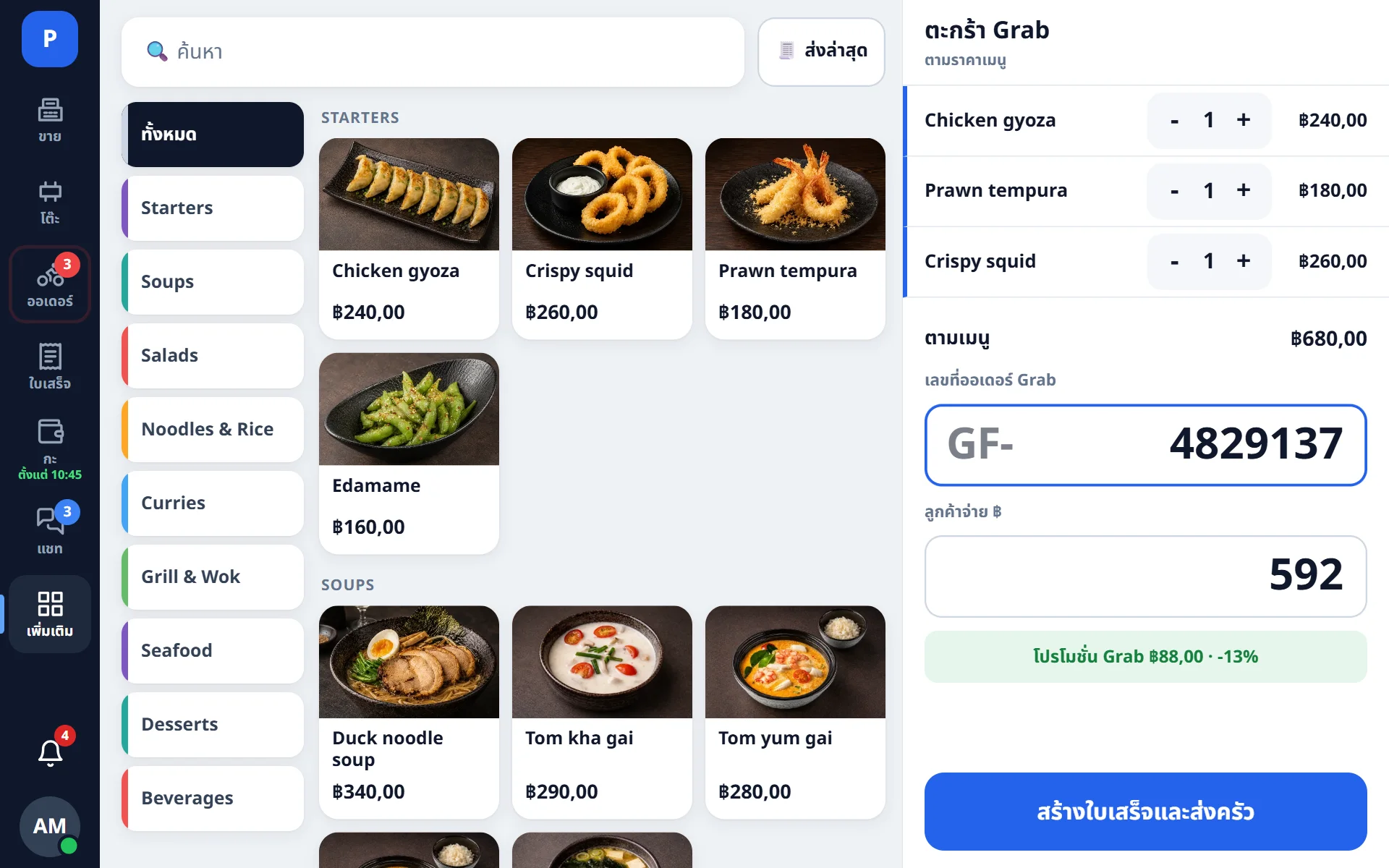
Grab and other platforms
An aggregator has its own prices and its own commission. The order is entered at the register as dishes — so stock is deducted and the kitchen prints — while the total is typed in from the platform.
- The kitchen gets its ticket and stock is deducted as on any order
- Only the reconciled amount counts as revenue — after the platform report arrives
- Platform commission and advertising costs are recorded separately from sales
For website developers
Revocable keys
A website, an aggregator or a third-party storefront connects with one key. Revoke it and access closes immediately.
A clear contract
The storefront receives menu, prices, stop-list and an “orders paused” flag. An order is submitted in one request and gets a number back.
Vouchers and promo codes
Campaigns are set up in the back office and validated through the API, so the discount is identical online and at the register.
Current stop-list
An item stopped at the register disappears from the website at once, so the guest cannot order something that is out of stock.
Guest chat
The guest’s question arrives at the register and the answer goes back to their messenger, translated both ways.
Guest card
Order history, rating and staff notes: before calling a guest you can see how many orders they have already placed.
Payment link from chat
A payment link can be sent to the guest straight from the chat: the order is paid in advance and the courier needs no change.
Order sources
Reports show what the website brought, what the aggregator brought and what came from the floor, with campaign UTM tags.
Questions about orders
We already have a website. Do we need a new one?
No. POSitive serves the menu and accepts orders through a public API — your developer connects the existing storefront with an integration key. If there is no website yet, it can be added as a separate module.
What if an item runs out after the order is placed?
The storefront sees the stop-list at the moment it shows the menu, so this is rare. When it does happen, the manager rejects that line in the panel and writes to the guest in chat.
What do I need for the signal lamp?
A Wi-Fi relay that works with the Smart Life (Tuya) app and a beacon lamp that flashes by itself when powered — ordinary devices from any electronics store. We connect the app account to the POSitive cloud, and the lamp’s address is entered in the back office. See Signal lamps.
Do website orders count towards total revenue?
Yes, as a normal receipt tagged with its source. Reports break revenue down by source: dine-in, takeaway, website, aggregator.
Connect your website to the register
Your website developer will need an integration key and the API description. We will help match website items to the register menu.