See the whole system
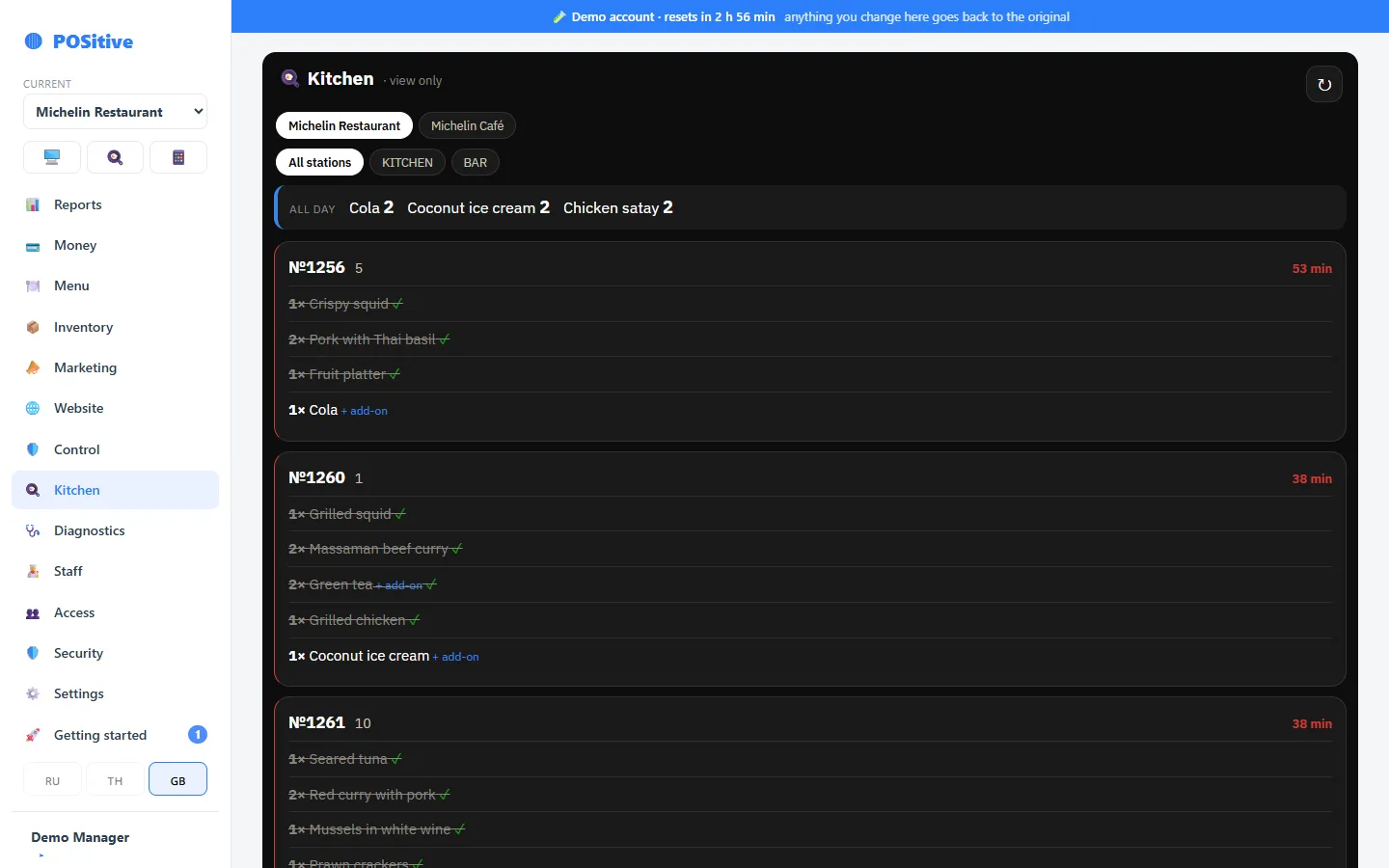
The demo is a group of two venues: Michelin Restaurant and Michelin Café. Menus, inventory, a month of sales and today’s receipts, occupied tables, the kitchen, the timesheet and money. The login and password are already filled in — press “Sign in” and you are inside.
- Nothing to install and nothing to register — it opens in a browser
- Sales are happening “today”: the shift is open, guests are seated, orders are in the kitchen
- Every 3 hours everything goes back to the original — change whatever you like
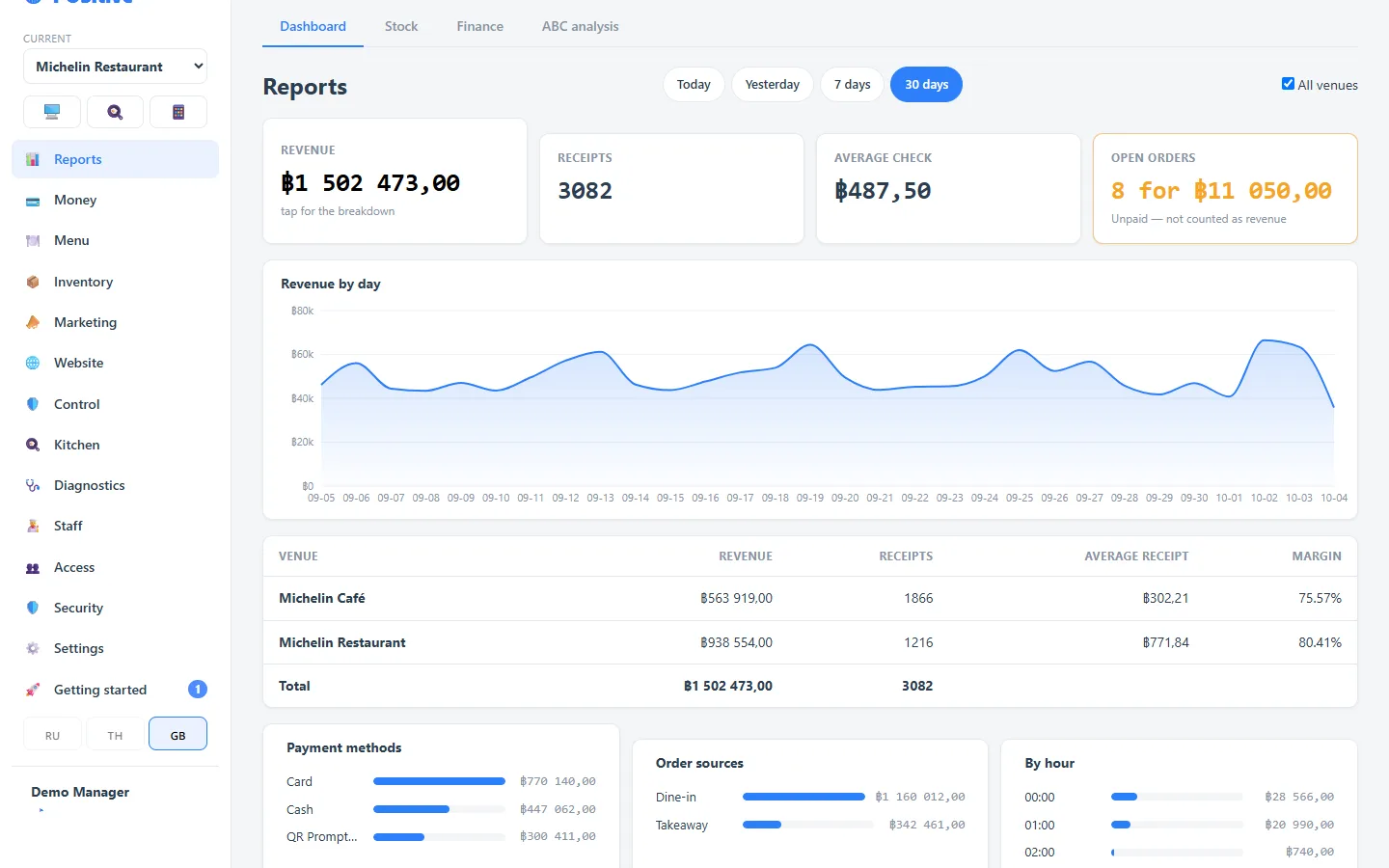
Two venues of one group — the switcher is at the top of the menu
The restaurant and the café live in one account, like a restaurant group or a franchise. Each venue has its own menu, stock, people and money, and the owner sees both: in the reports, “All venues” puts them side by side with a total. The restaurant kitchen supplies the café with eggs, bacon and chicken — one delivery is waiting to be received right now.
- In the café open “Inventory → Transfers” and press “Receive”
- The manager and the accountant work in both venues — see “Access → Account people”
- The strip at the top always shows when the demo goes back to the original
How it usually goes
- 1
You open the demo
Press “Sign in” on the demo page — the login and password are filled in. No sign-up.
- 2
You look around
A restaurant and a café with a month of sales and today’s orders — everything can be touched.
- 3
You ask questions
Write to us — on request we will walk you through the system on a call: order, kitchen, payment, shift close, report.
- 4
You move your menu
If you decide to go further, we help transfer categories, dishes and prices.
- 5
You go live
We help set up printers, permissions and inventory and stay in touch during the first service.
What to look at first
Switch the venue
Pick Michelin Café at the top of the menu, then “Reports → All venues”: both venues and the total.
और जानें →Technical review access
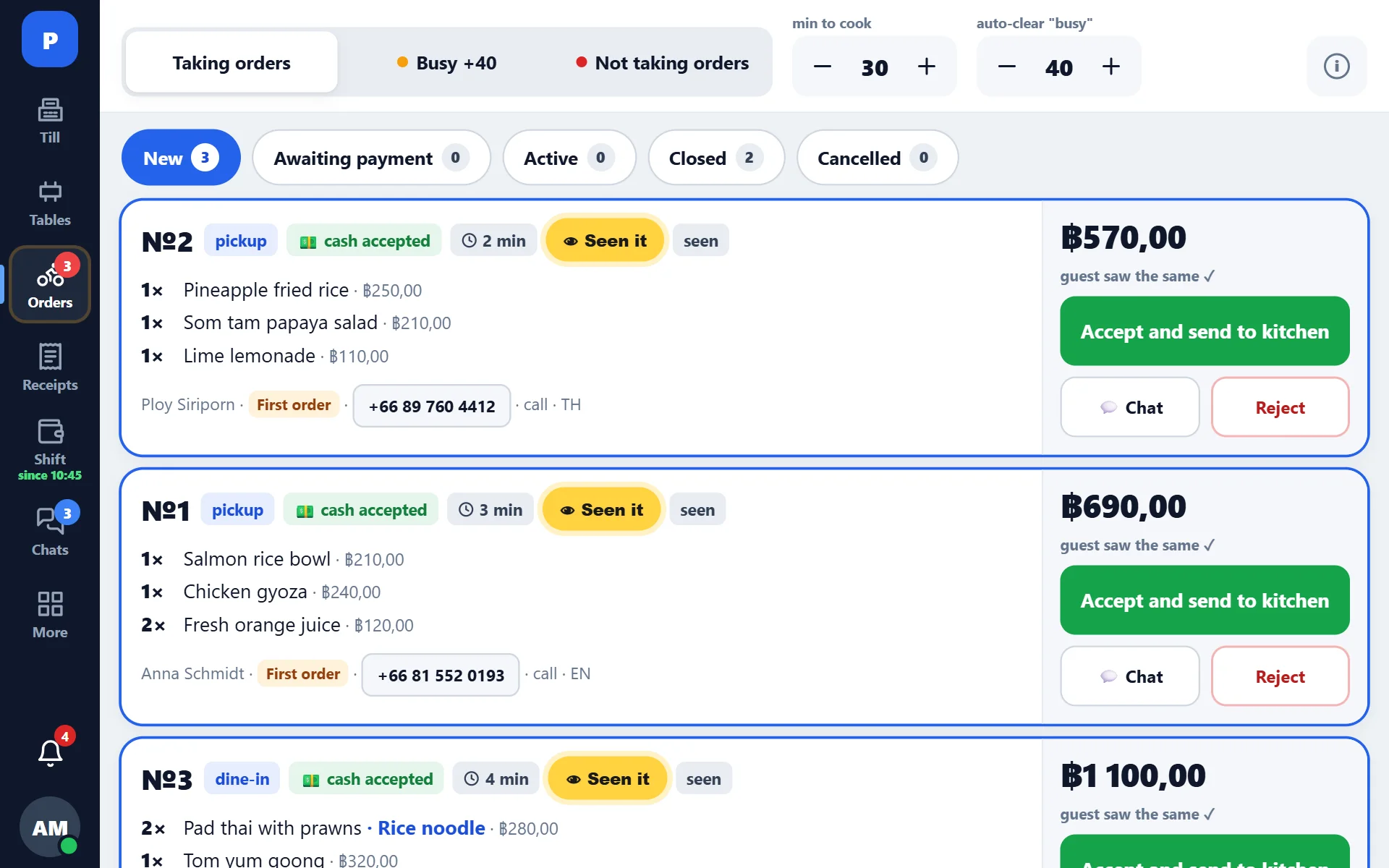
If you are evaluating POSitive as an integration partner, we provide more than a demo venue: a sandbox integration key, the API contract with field-level descriptions, screenshots of the order acceptance screen and a short screen recording from a production tablet.
- Sandbox key — separate venue, no production data
- Order intake contract: menu, orders, vouchers, payments, statuses
- Screenshots and a 60–90 second screen recording of a real service
- Answers to security questions: key storage, audit, incident handling
Open your own account
The first 14 days are free, no card required. We will help you move your menu.