Delivery and courier settlement tracking
The order arrives from the website into the register, the kitchen prints its ticket, the courier picks it up. Delivery stays a separate line, so at the end of the month you see not only revenue but also how much the venue paid to get food across town.
- What the guest was charged, what the courier was paid, and the gap between them
- Status for the guest: accepted, cooking, handed to courier
- An order from two neighbouring venues is delivered in one trip
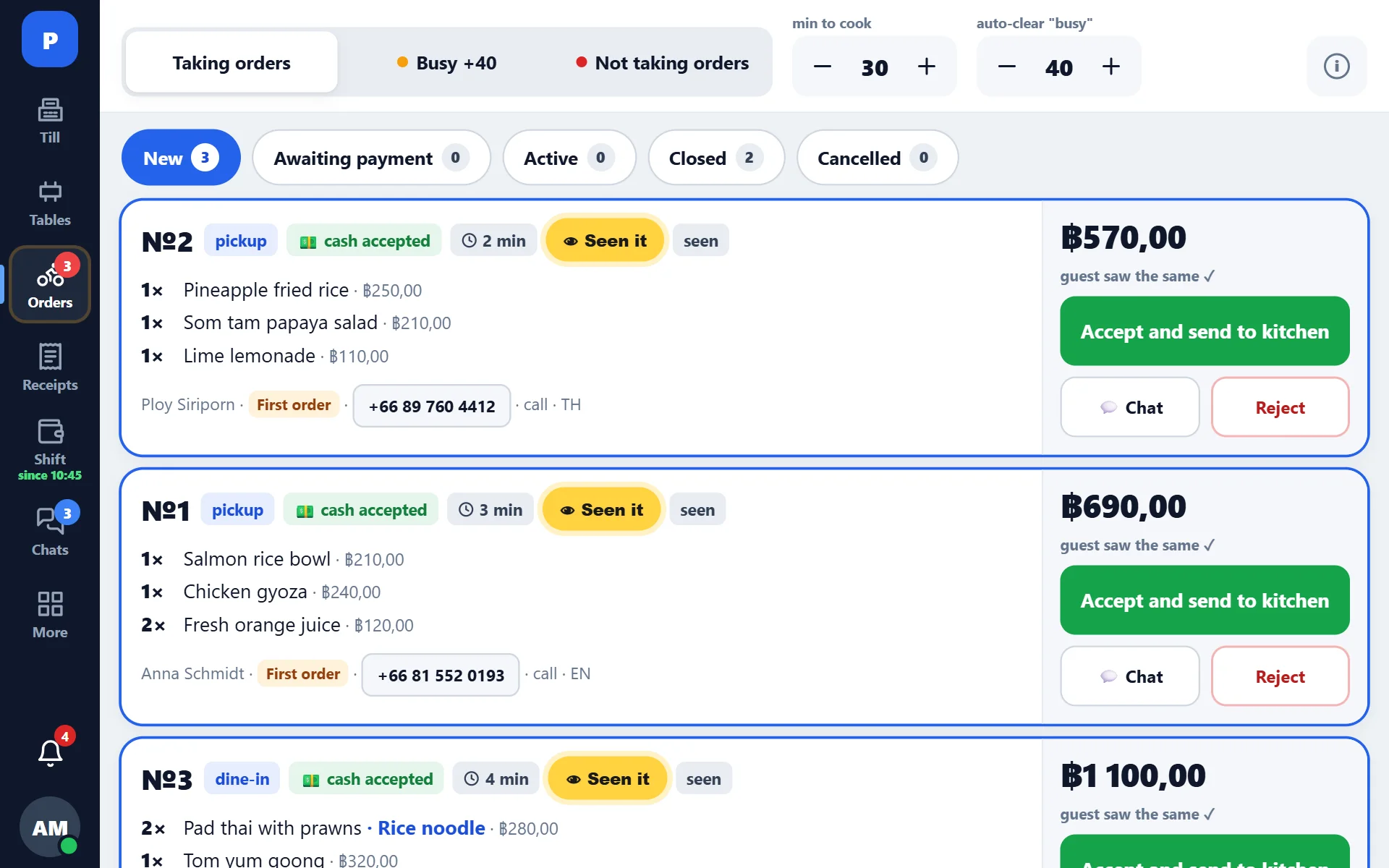
What delivery tracking in POSitive gives you
Its own line on the receipt
The delivery fee is kept apart from the order total: it shows on the receipt, in the shift and in reports, so the average check is not inflated by courier fees.
What the courier got
The order card records what the courier was paid. The difference between the guest’s fee and the courier’s fee is what the venue paid on top, and it becomes visible.
Your courier or a service
The system does not impose a carrier: it works with an in-house rider and with a delivery service. Either way the money stays separated.
How a courier is booked today
This is how most small venues work, ours included. The manager accepts the order, the kitchen prints a ticket, and then everything happens by phone: booking a courier, agreeing on a price, waiting and messaging the guest.
- The fee is agreed by voice, which is why comparable runs cost anywhere from ฿35 to ฿200
- The guest learns the order left when the manager remembers to write
- “On the way” and “delivered” are recorded nowhere — only “handed over”
- The venue regularly pays the courier more than it charged the guest
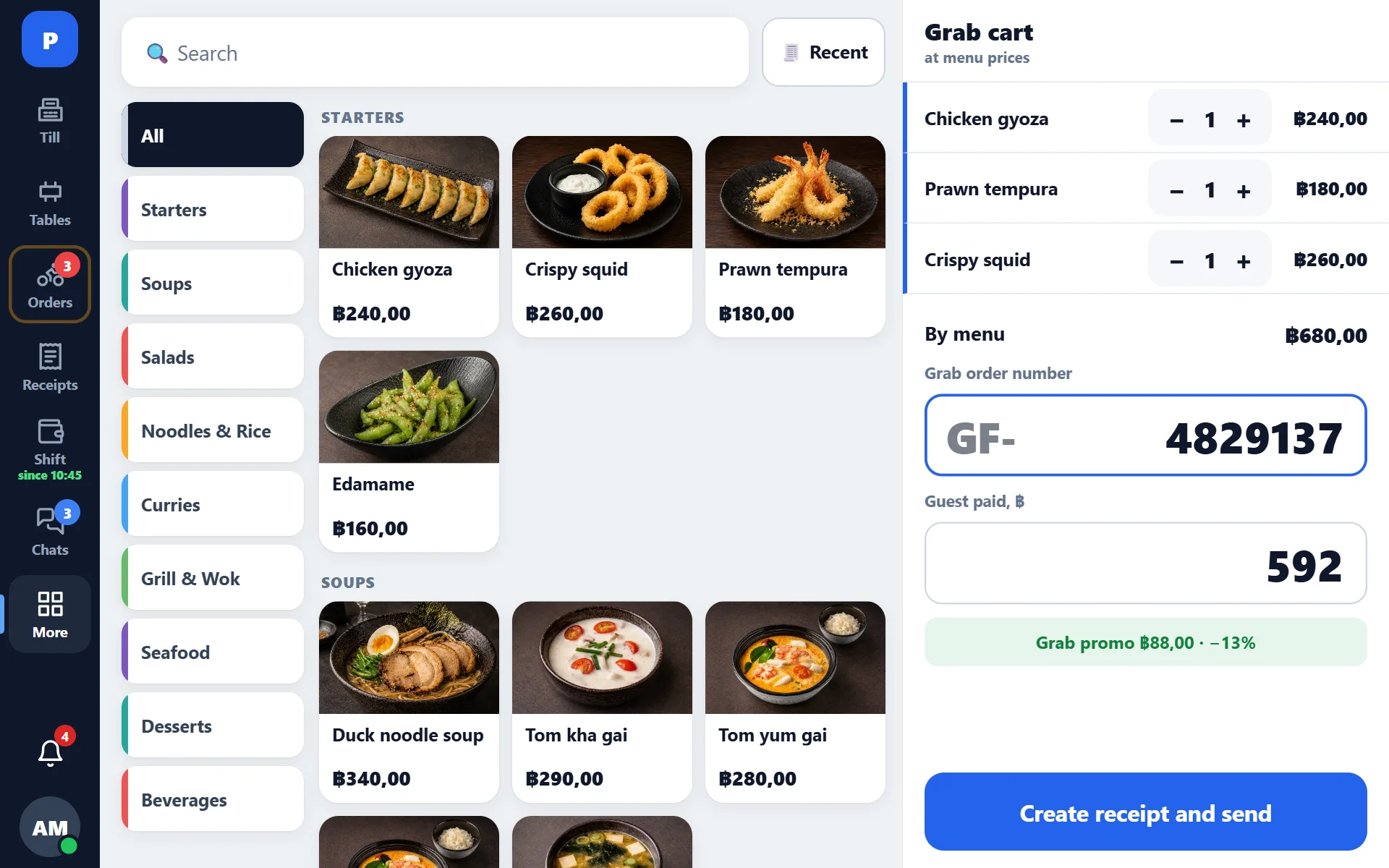
What this looks like in our own restaurants (last 60 days)
These are figures from our own venues. The top-up for delivery is hard to notice until it is counted: ฿4,359 over two months is not a large sum, but before delivery became a separate line on the receipt nobody could name it even roughly.
The same goes for free delivery: at the chosen threshold, 41% of orders were delivered at the venue’s expense. Once this is visible in a report, the threshold can be reconsidered deliberately.
Booking a courier with a button: GrabExpress integration
The next step is booking a courier without a phone call. We have requested GrabExpress API access so that booking a courier becomes part of the order card.
- Price before the order is placed: the guest sees the delivery fee upfront, with nothing to negotiate
- A “Book courier” button right inside the order card on the manager’s tablet
- Status in the order and for the guest: handed over, on the way, delivered — no chat follow-ups
- Manual booking stays as the fallback: if the service is unavailable, the venue works exactly as before
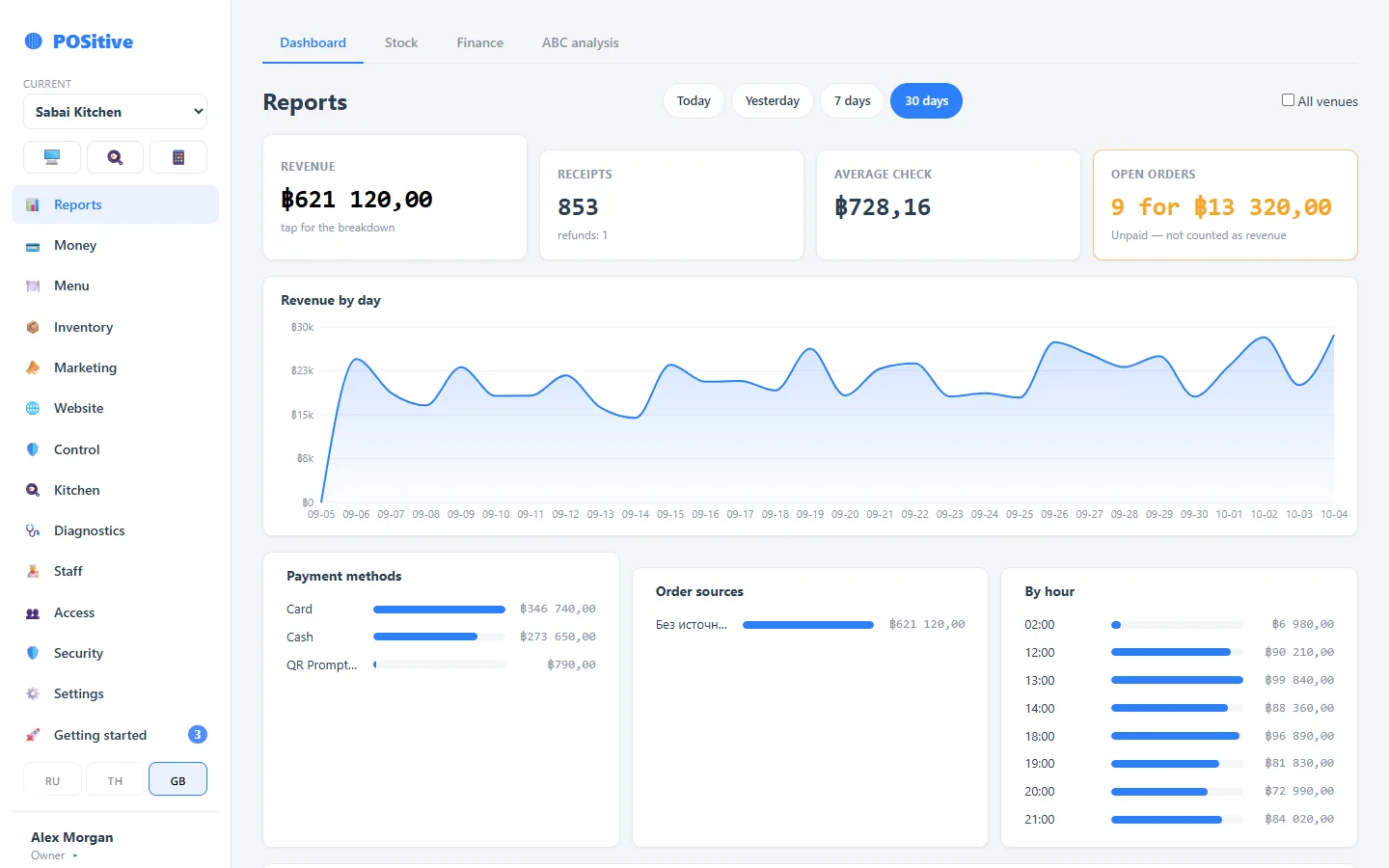
How connecting a delivery service is protected against failures
The same approach that already carries website order intake.
A repeated request books one courier
Every operation carries its own key. Double tap, dropped connection, retried request — the courier is booked once.
Credentials live on the server
External service credentials are kept in a server-side secrets store: they are not in the register app and not in the browser.
Working when a service fails
If the external service is unavailable, the system tells the manager and falls back to manual booking. The order is not lost.
Action log
Who booked the courier, who cancelled, who changed the address — in the log, with name and timestamp.
Separate money tracking
Delivery fee, service commission and the venue’s top-up land in reports separately rather than as a single total.
Sandbox first
Any new integration is verified on a test venue before it is switched on in production.
How delivery is switched on in a venue
- 1
Order intake
The storefront connects with an integration key and orders arrive in the tablet panel.
- 2
Delivery rules
Fees and the free-delivery threshold are set on the storefront and arrive with the order.
- 3
Couriers
In-house rider or a service. The card records who took it and what they were paid.
- 4
Reports
History by day and by order: how many deliveries, how much was spent, where the venue topped up.
- 5
Automation
Once a delivery service is connected over API, booking a courier becomes a button in the same card.
Questions about delivery
Can we work with our own courier, without a delivery service?
Yes — that is how most venues start. The order card records who took the order and what they were paid, which is enough to see the actual cost of delivery at the end of the month.
What happens if the external delivery service is unavailable?
The order is neither lost nor duplicated. The system shows the manager that automatic booking did not go through, and they book a courier the usual way. A retry never creates a second delivery.
Where are credentials for external services stored?
On the server, in a secrets store, separate from the code. They are not in the register app or in the browser — every call to an external service is made from the server. More on the Security page.
How is free delivery calculated?
The threshold is set on the storefront: above it, delivery is on the venue. Such orders are visible separately in reports, so the cost of the promotion can be counted rather than guessed.
A guest ordered from two neighbouring venues — what about delivery?
That becomes a single trip: the courier goes once, while the fee and the dishes are split between the venues. See Ordering from a neighbour.
See the system in the demo
The demo opens without sign-up. How to connect website orders and delivery tracking is described in the help section.