Chains and franchises: how to set up the account
Locations, people and permissions in a chain; what the account owner sees and what the location owner sees; combined reports, transfers between locations, shift summaries in one chat, and a recipe for a franchise.
All locations of a chain live in one account. Each location has its own menu, stock, money and roles, while the combined figures for the chain are seen by the account owner.
Two levels of “owner”
| Account owner | Location owner (“Owner” role) | |
|---|---|---|
| Which locations they see | all: combined and each one | only their own |
| Adds and closes locations | yes | no |
| List of people across the chain | yes | no — only the people of their location |
| Permissions inside a location | all | all, unless the role is cut down |
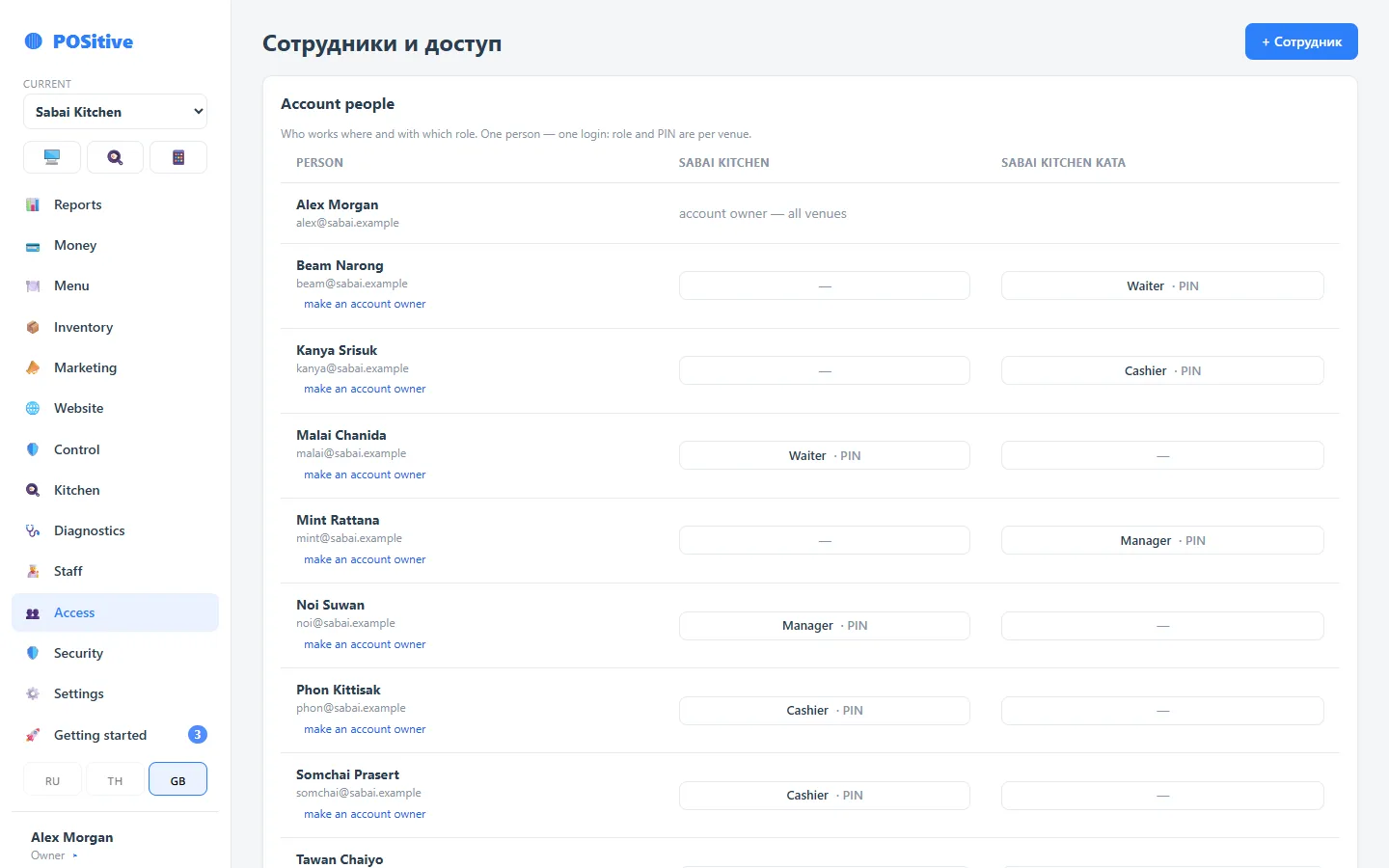
These are two different flags, and they are often confused: the “Owner” role with the full set of permissions works inside one location, while the combined chain figures ask for the “account owner” flag. It is set by the current account owner in “Access → Account people” — with the “make an account owner” link next to the right person, confirmed with a password.
The franchisor is the account owner, the franchisee is the owner of their location. That way the partner fully runs their location but does not see the others, while the franchisor sees the whole chain.
One person at several locations
One person — one login. In “Access → Account people” they have a column for each location: in one they are “Manager”, in another “Cashier”, in a third they are not there at all. The register PIN is separate at each location.
In the back office locations are switched with the “current” list at the top of the side menu. An employee sees in it only the locations where they are registered.
Combined figures
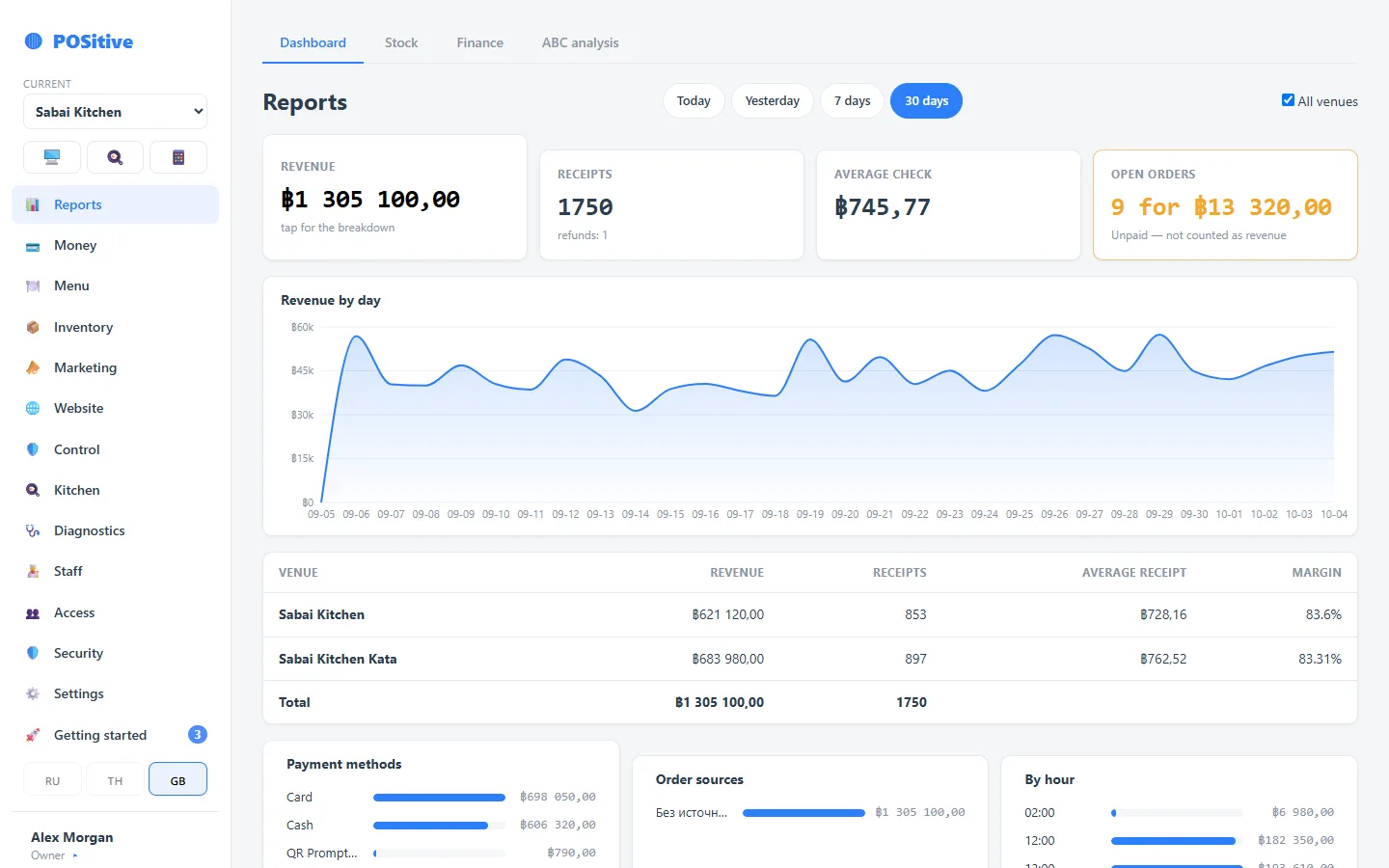
- Reports → Dashboard → “All venues”: locations as rows, the total at the bottom. If locations use different currencies, the total is not added up — each location separately.
- “Plus” — all venues at once and each one separately.
- Money, shifts and staff timesheets — also broken down by chain.
All of this is visible only to the account owner.
Products between locations
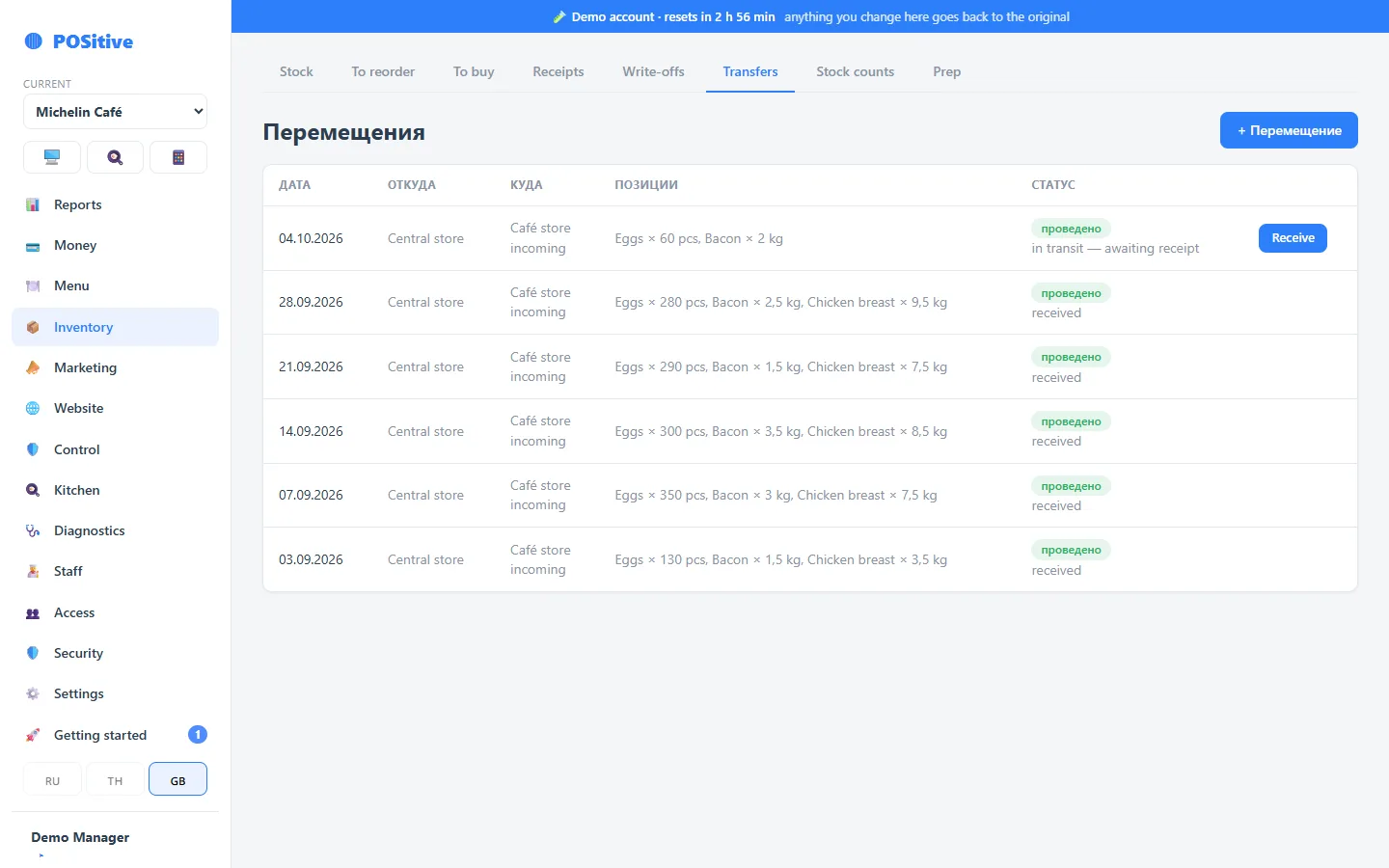
A transfer “to a neighbouring location” reduces the sender's balance and waits for the receiver to accept it. The receiver links each line to their own product card; the cost arrives at the sender's price. In detail — Transfers between stores.
A central kitchen works the same way: the prep kitchen is added as a separate location of the account and ships to the others.
Shift summaries in one chat
Each location has its own chat in the settings for the shift summary in Telegram. Enter the same chat in all locations — the summaries of all closed shifts will arrive there.
One kitchen for several locations
A cook registered at two locations sees a “Both kitchens” switch on the kitchen display: the orders of both locations in one queue, by the time they were sent. Suits a kitchen that cooks under several brands.
A new location
- The account owner adds the location — Venues in the account.
- In “Access → Account people” they assign people and roles at the new location.
- Menu: there is no “copy the menu from another location” button yet — we transfer the new location's menu on request, write to support.
- The register is installed on a tablet via the link, printers go on the same network.
See it in the demo
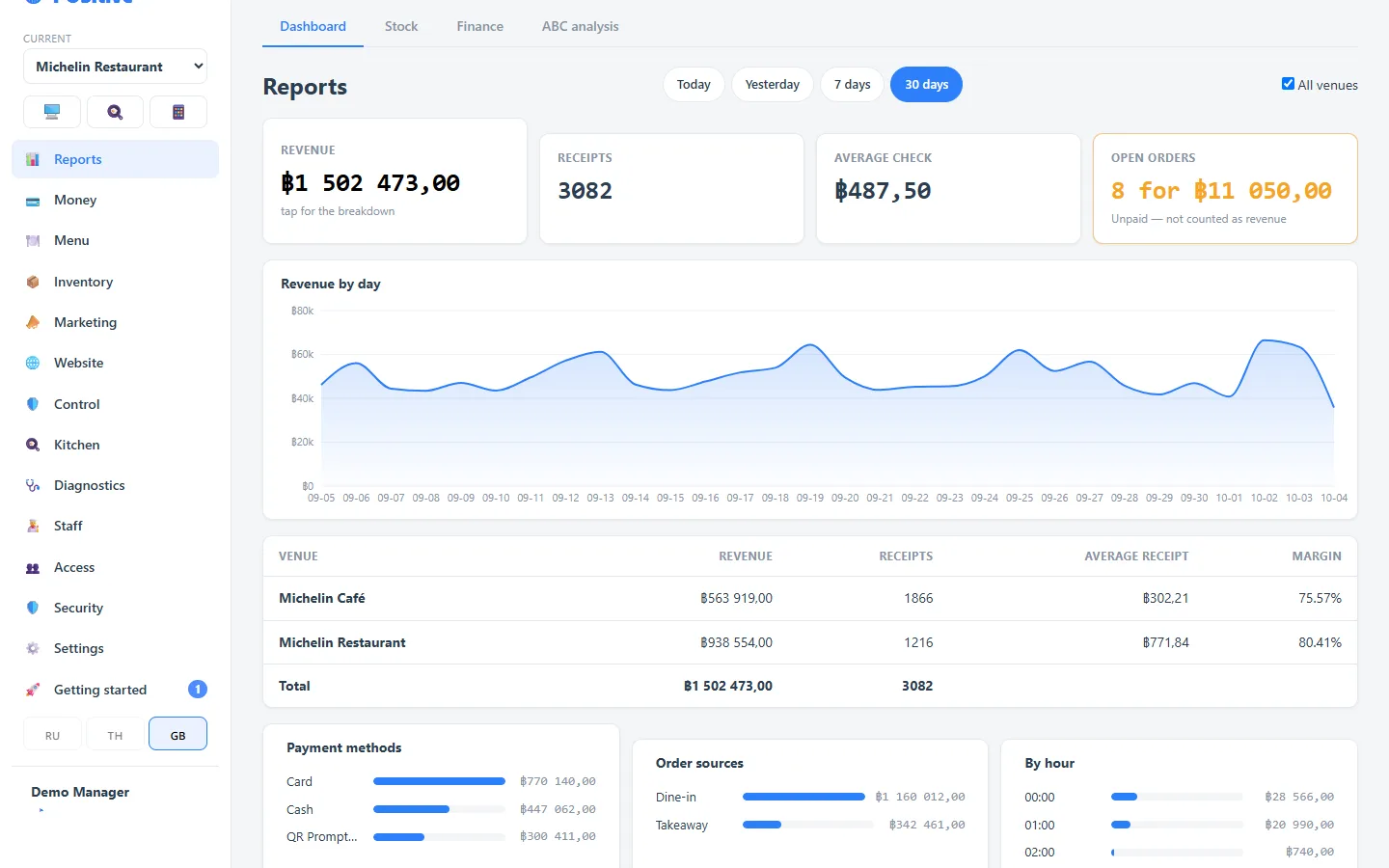
The demo already has a chain of two locations: the restaurant Michelin Restaurant and the cafe Michelin Café. You sign in as the account owner, so you see both.
- Press “Sign in” on the demo page — the login and password are already filled in.
- Open “Reports”, turn on “All venues” — locations as rows, the total at the bottom.
- At the top of the side menu choose Michelin Café — you are in the cafe, with its own menu, stock and people.
- “Inventory → Transfers”: a delivery from the restaurant kitchen is waiting to be accepted — press “Receive”.
- “Access → Account people”: the manager and the accountant are registered at both locations.
Sales in the demo happen “today”: shifts are open, guests sit at tables, orders are in the kitchen. Every 3 hours the demo returns to its starting state, so change anything you like — permissions, menu, prices. The top of the screen always shows how long until the reset.
Not available yet
- a single menu rolled out to all locations — each location has its own;
- chain-wide discounts and coupons — they are set up at each location;
- royalties and franchisee invoices — the percentage is calculated from revenue in the combined report;
- a separate account for the franchisee with access for the franchisor — combined figures are visible only within one account.