How stock works
The main stock rule, the types of documents, where cost comes from and why a balance cannot be edited by hand.
Stock in POSitive is built on one rule, and everything else follows from it.
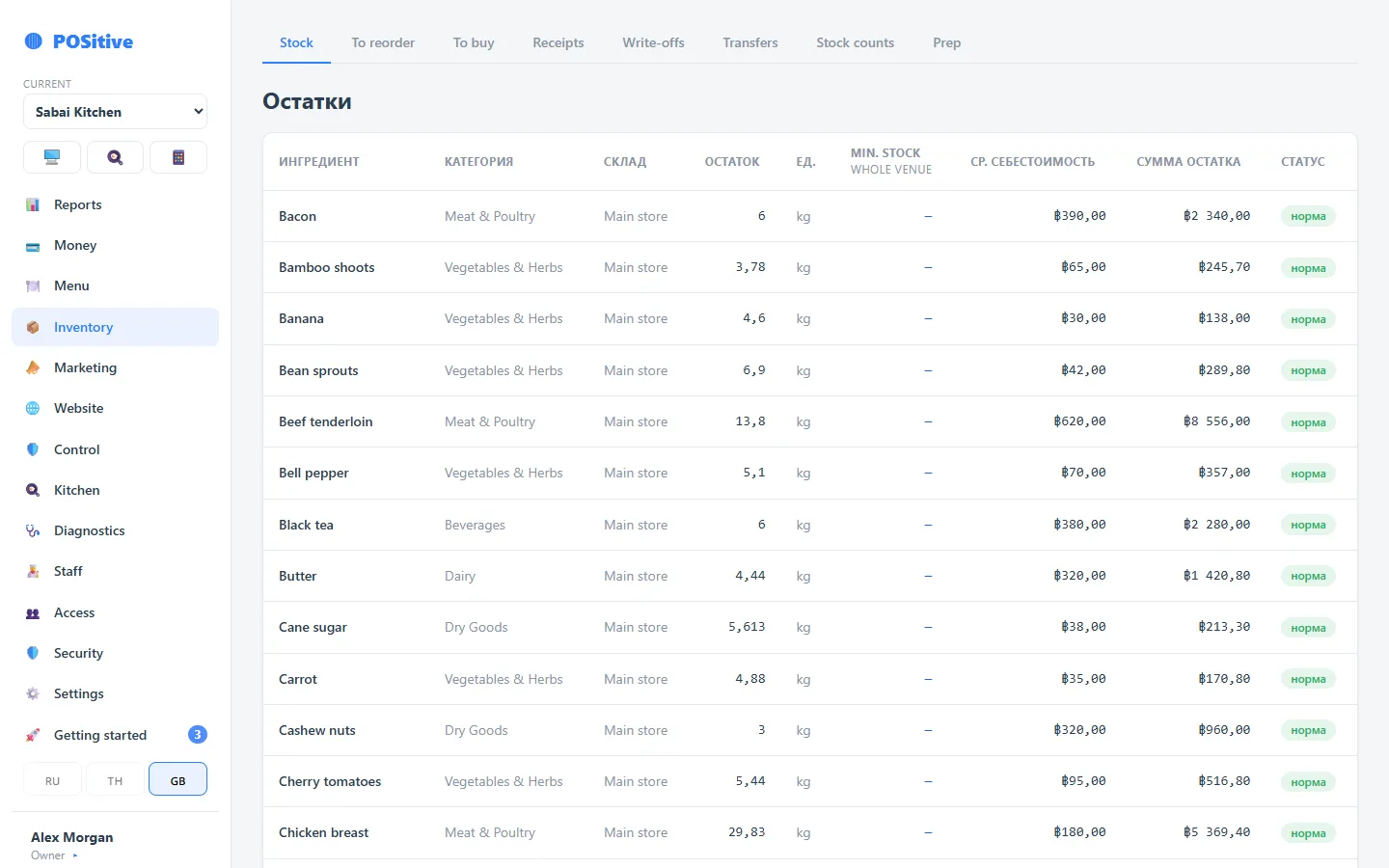
A balance cannot be changed directly. There is no “current balance” field in the system that you can overwrite. Any change is a document: a receipt, a write-off, a transfer, a stock count or a sale.
It sounds strict, but this is exactly what makes the figures usable when you need to get to the bottom of something: every gram has a document, an author and a time.
Documents
| Document | What it does |
|---|---|
| Receipt | Increases the balance, recalculates the average price |
| Write-off | Decreases the balance, with a reason |
| Transfer | Moves stock between stores |
| Stock count | Brings the balance in line with reality, shows the difference in money |
| Sale | Writes off by the recipe at the moment the receipt is closed |
| Refund | Returns the products back |
Cost
The method is the moving weighted average. With every receipt the new price is blended with the old one in proportion to quantity:
new average = (old quantity × old average + received × receipt price) ÷ (old quantity + received)
Every outgoing movement records the cost at the moment of the operation. So tomorrow’s delivery at a new price will not change yesterday’s report.
Several stores
Kitchen, bar, fridge, second floor — each has its own balances. An employee can be given access only to their own store: a bartender has no reason to see the kitchen.
Posted means unchangeable
A posted document is not edited. If you made a mistake, a reversal or a correcting document is made. The history stays intact.
Where to start
- Add the ingredients of the menu category you started with.
- Make recipes for its dishes.
- Do a stock count for these products — this gives the starting balance.
- Turn tracking on for them.
- A week later, compare the calculated balance with reality: the difference shows where a recipe does not match what the kitchen really does.